Author: admin

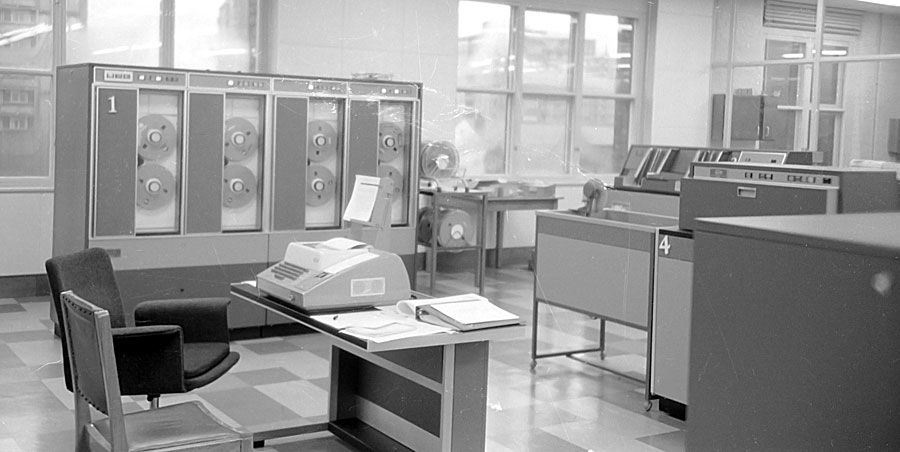
  • My first encounter with computers

    My first encounter with computers

    I used SPSS a statistics package at university but all that involved was writing coding sheets and receiving back printouts of analyses so not what I’d call real computing at all.

    That came later in 1978 when I was working as a research assistant at Sheffield Poly as was. I was developing a reading test for school leavers and not only had data to analyse but also wanted to see if I could set up a computerised question banking system from which different tests could be extracted.

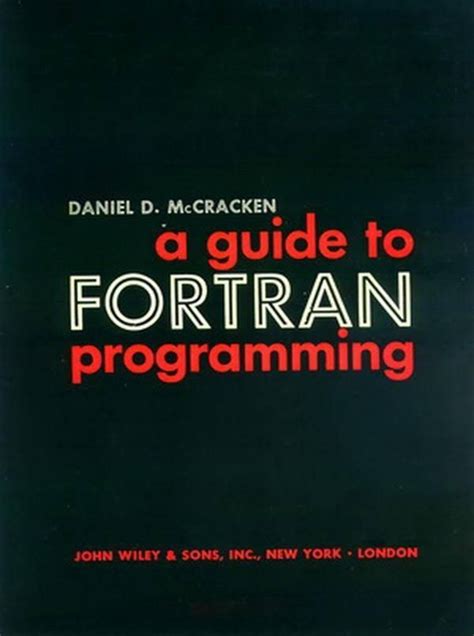
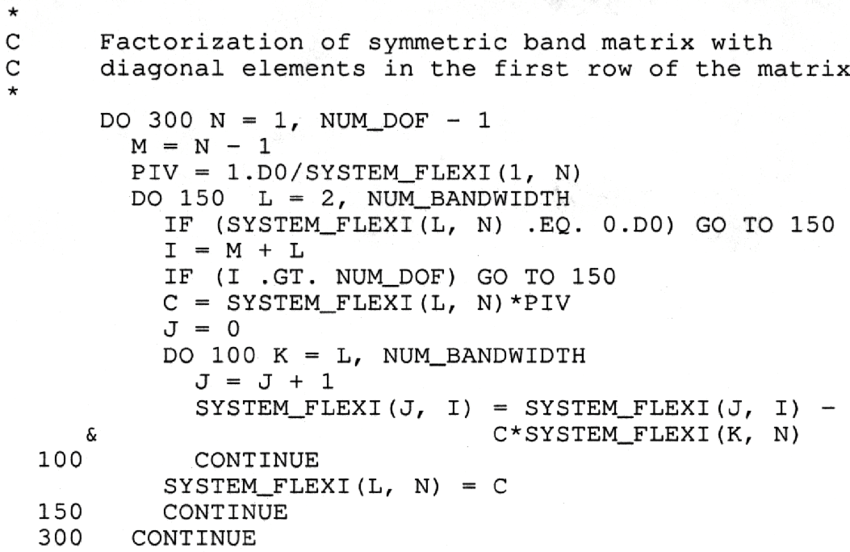
    The Computer Services dept were very helpful, listened carefully and then told me to go to the library, get out McCraken’s book on Fortran and do it myself. I taught myself Fortran and got on with it.

    I’m still programming – the calendars that appear on the U3A website for each group are derived from Beacon and added into Google Calendar using the Python programming language.

    Owen Parry, June 2020

  • My first encounter with computers

    My first encounter with computers

    As an undergraduate I’d never encountered computers so a new world opened up when I went to America as a postgrad in 1965. In my first term in the Geography Department at Northwestern University – in a northern suburb of Chicago – my supervisor decided that I should do a computing course in the Civil Engineering Department. He obviously didn’t realise that it was intended for postgrads who already had a ‘hard science’ degree.  The course concentrated on teaching postgrads to write programmes in machine language – Compass – for a CDC 3400 mainframe computer (not an IBM machine in sight). I’d never heard of Fortran before so didn’t know that I was writing something that Fortran compiled into a form – in this case Compass – which the computer could use.

    My first test: writing a program to find the maximum value of a set of numbers.  However, reading in the numbers and printing out the results had to be done using Fortran, so I learned things ‘in the right order’ – the computer would ‘understand’ me straightaway. Although the other postgrads had already learned to use Fortran  they then had ‘to progress’ to Compass.

    I bought an excellent teach yourself book on Fortran and was introduced to the world of ‘READ’, ‘DIMENSION’, ‘DO’ loop  and ‘GO TO’ statements! Just as important, Margaret, the wife of one of the other Geography postgrads from Grimsby, was a computer whizz kid.

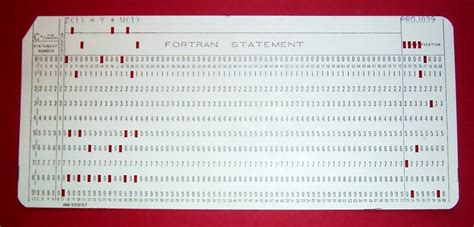
    Like most postgrads at the time I had to prepare my own punched cards, a tedious process as you could enter up to 80 characters per card. And one typing error meant redoing the whole card. The Campus Computing Centre was a 10-minute walk away. I’d hand the deck of cards in and hope they were all in the right order and that there wasn’t a single typing error. Otherwise, when collecting results several hours later or the next day I just found a terse message – ‘input error 23 ’ or pure gobbledegook because I’d got the order of symbols wrong – as Margaret put it – the machine is trying ‘to obey your data’. Still, it was very satisfying to find that my programme (eventually) worked and gave the right answer. It seems amazing to me now what results you got from a mainframe machine with a memory capacity of just 196 kilobytes – about 20% of a Megabyte.

    After that, I never looked back, progressing to working with two American postgrads to write a programme simulating average queue lengths of traffic at a busy crossroads. It particularly makes me nostalgic to remember working with these two other guys – incredibly friendly from the outset, almost as if they’d known you all their lives, full of ‘get up and go’, not worried about seeming over-enthusiastic. Not at all like the much more reserved British – not better, but very different.

    The first computer Cathy and I had at home was a Tandon 286 desktop with a 20Mb hard disc – not a bad storage size for the time and, of course, ‘IBM compatible’. I think it cost around £1000.00 which was pretty expensive for the time – bought from a dealership in Slough – but worth every penny because we were’t supplied with computers at work until many years later. At least the computer techies in the Geography Department were very helpful if anything went wrong – I think they liked my enthusiasm.

    John Silk, June 2020
  • My first encounter with computers

    My first encounter with computers

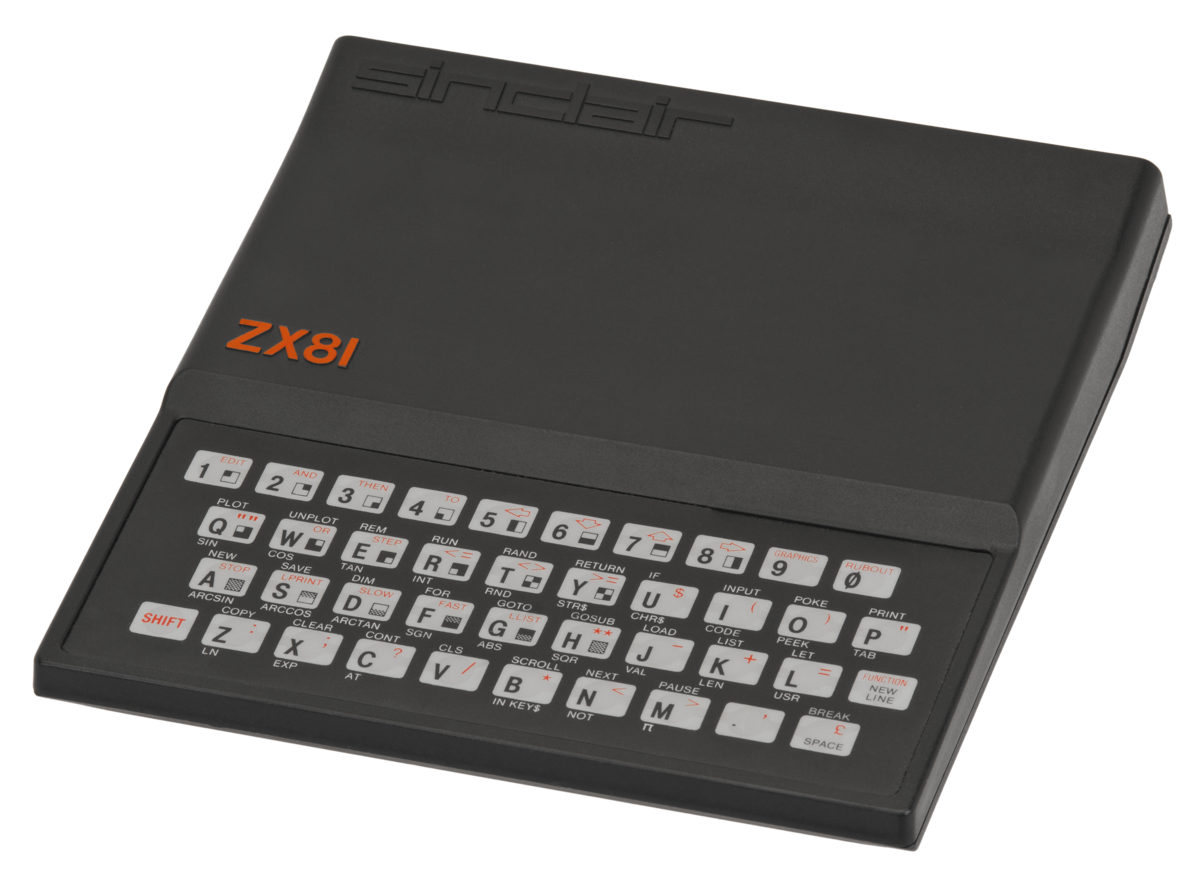
    Sinclair ZX81

    My children were introduced to computing before I was. My daughter now 56 reminded me that she had one of these in 1982.

    I don’t believe I was ever aware of it.!


    Amstrad PCW8256

    My introduction to computers occurred in 1983 when I was sent to Bahrain to open an office for a project which I thought was for two weeks, but lasted for nearly five years.

    I ran a small two person office, just myself and a secretary, with occasional short visits by support staff from our Cardiff office.
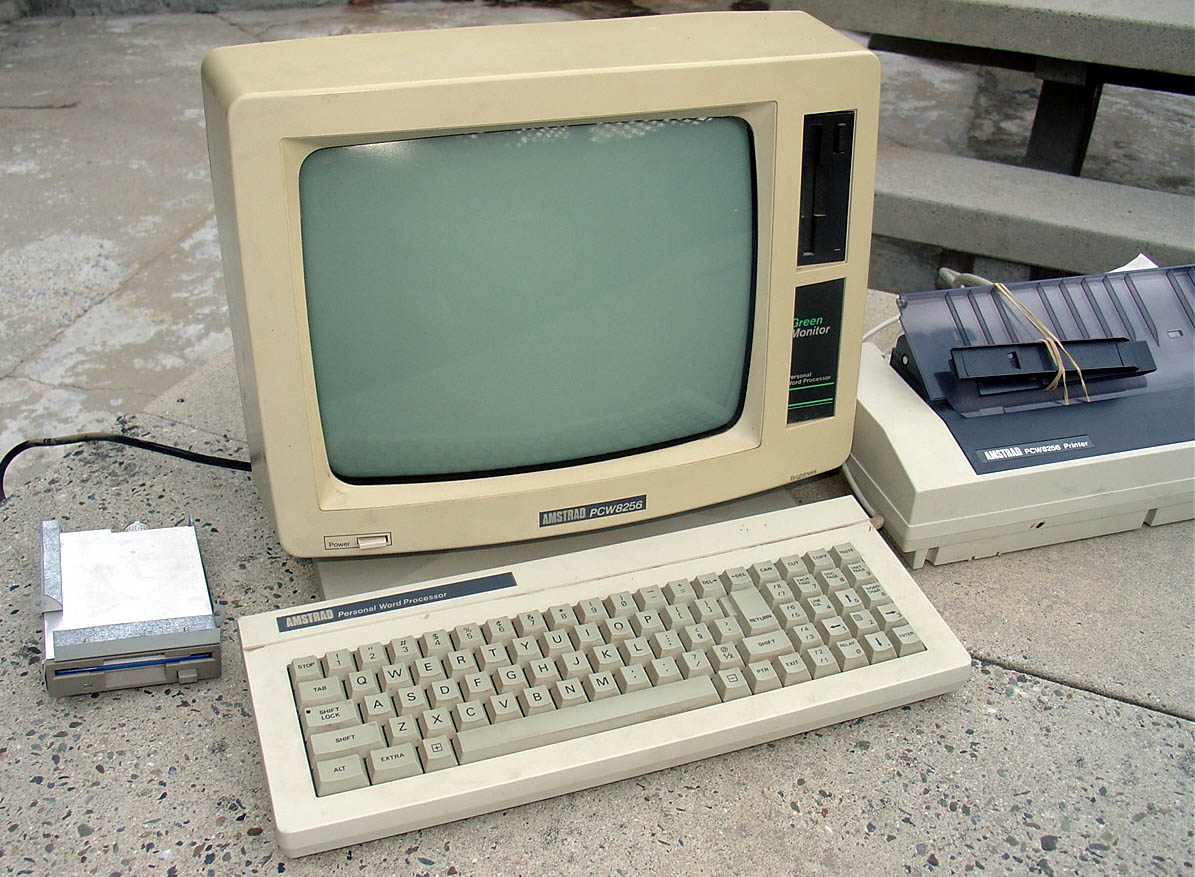
    One of the engineers I worked with asked if I could look after his pc while he returned to the UK, for a month. The A/C in his villa would be turned off while he was away, and as my office had A/C he would like me to look after it until he returned. Bahrain temperatures in the summer are well over 100C

    I had no knowledge of computing, and was using traditional drawing board, tee square, set square scale rulers, typewriter, tracing paper, paper fax machine and telephone to run our office.

    So it sat on my desk for a month with only the occasional prod from me. The engineer colleague left no instructions how to use it !

    Like the first station running AutoCAD

    In 1985 I was designing and building a headquarters for the Bahrain Oil Company, and when visiting their offices became aware of CAD (computer aided drafting) for the first time. 
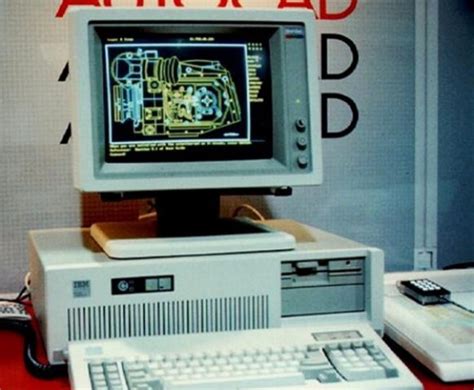
    The organization being partly American had put individual pc’s on each engineers desk and were running the earliest versions of AutoCAD.

    I could see that this was going to be the future and the end of traditional hand drafting.

    So for the next year I used the opportunity in my spare time to work with one of their engineers to learn how to use a pc and AutoCAD.

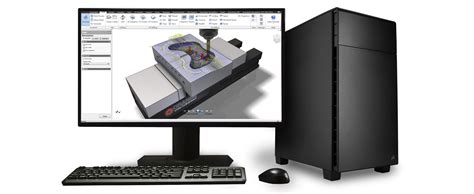
    First Home Workstation

    In 1988 I was back in Cardiff, and given the task of spreading the gospel of computers and CAD into our UK offices.

    This gradually led me away from designing buildings, and instead developing systems, training architects and technicians in CAD, quality control and teaching my reluctant partners and staff to use computers and related software from CAD, word-processing, spreadsheets, and  project financial management systems

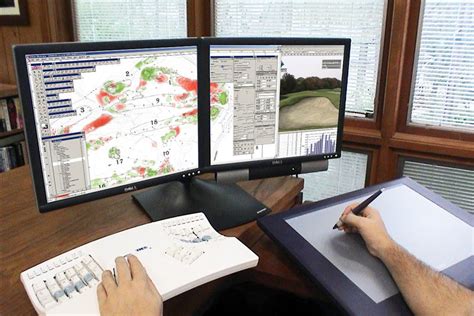
    To keep ahead of those I was teaching, I realised I needed a workstation at home. It was built by our then IT equipment supplier.

    And cost me in 1988 over £5K, much to my wife’s horror.
    In later years, I persuaded my office to fund the inevitable upgrades in software and hardware.

    At the time I hung up my boots in 2016, we were running seven UK offices all linked to a central network with my former computer technician now a full time computer manager.

    2D CAD has now become 3D. BIM. REVIT and all sorts of clever software to create architecture.


    But enthusing one day about the advantages of computers and CAD over hand drafting, a friend and fellow consulting engineer reminded me that he always admired my skill as an architect to pick up a 2B pencil and make a quick sketch of an idea, or detail.

    Don’t give up drawing was his message, and I confess that the architects I admire most are those that can draw well.  It is too easy to use a computer to create technically correct architectural dross!

    David Hughes, June 2020

  • My first encounter with computers

    My first encounter with computers

    My first encounter, in the very early 70s at U.C.Swansea, Applied Science / Mechanical Engineering,  was an ICL (maybe 1900E ? or was that a Car ?).

    It would run  FORTRAN and SORFOR (Southampton Fortran) using Punch cards. I also vaguely remember there being ALGOL and POP2.

    I wrote my programs,  punched the cards and then submitted them to the Computer Department twice weekly, before waiting excitedly and often disappointedly for the results – very often a syntax error… try again.

    You needed to get the Program correct so it would run properly, before you could actually submit the Data for your Calculations.
    The output came on a large wide roll of paper that you had to tear the holed edges off, and fold correctly.

    In my final year we could use a MOP (Multi Online Programming Terminal) that eliminated the cards, and you could book time to sit in a small room with the MOP and enter your own data, a very noisy experience I seem to remember. I did a programme for Stress analysis of a live Back axle for a car/ light van.

    Paul de Gues, June 2020

  • My first encounter with computers

    My first encounter with computers

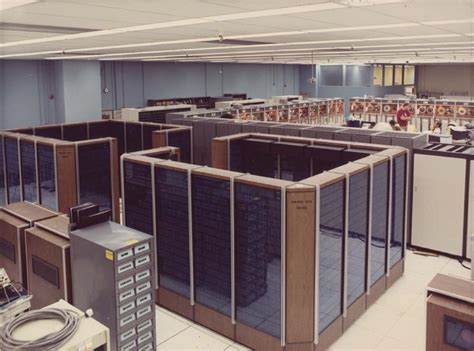
    My first encounter with computers was in 1975. I was then working as a highways engineer for Mid Glamorgan County Council. My team had an ICL mainframe computer which was housed in a very large room in County Hall, some 10 minutes’ walk away from our offices in Greyfriars Road. Our terminals in the office had no screens, so we had to send someone to fetch our print-outs from County Hall twice a day. This created a mountain of paper, and much of it was wasted because of simple errors. In those days we had no bespoke computer packages, we had to write our own software, and if we had a comma in the wrong place or a digit in the wrong column we had to start all over again. The first programming language I learnt was Fortran.

    One of our routine tasks was to collect traffic flow data from the entire highways network in the County. This was done by sensors on the road, such as pneumatic road tubes, or piezoelectric sensors or magnetic loops embedded in the road which transmitted the data to roadside cabinets. Every few weeks one of our team had to go and collect the punched tapes from the cabinets and bring them to the office to be analysed. The data obtained included traffic flows by hour, day, direction of flow, type of vehicle etc. This enabled us to design new roads using traffic flow projections some 30 years into the future. 

    This is just one example of programming developed in those early days of computing in the field of highways and transportation.

    Renée Martin, June 2020

  • Questionable Broadband Speed

    You can check potential speeds available to your own Post Code using the Uswitch Postcode speed checker here:

    https://www.uswitch.com/broadband/postcode_checker/

    You can check your current speed and potential suppliers here:

    https://www.uswitch.com/broadband/speedtest/

    You should also contact your current supplier for potential problems with your Broadband, they can run online checks on your system.


  • The Demise of Flash

    Back in 2003 I was involved in a government project, The National Grid for Learning-Cymru. Our brief was to improve the use of I.T. in schools right across Wales. One of our main activities was to create a fantastic online learning repository, creating websites that were interactive and worked well on an interactive whiteboard. To that end, it felt as though every Monday morning, we were asked to leave our brains on the table whist our bosses sucked out all of our ideas. Seriously though, we actually created some quality material.

    Sadly, most pages were created using a technology called Flash. Back in 2003, Flash was indeed the bees knees. However, as the years have gone by, Flash has fallen out of fashion. It is to be taken off line at the end of the year and along with it, we will lose so much of the N.G.F.L.-Cymru material.

    During lockdown, I’ve been trying to ‘hoover up’ some of my best websites/ I’ve tried to re-present them for posterity in a non-Flash form. I’ll be honest, they aren’t a patch on the Flash versions but at least I have something to keep the memory alive.

    One of my best efforts was Frankenstein’s Model Theatre. This was a modern take on the old Victorian toy. Using it, you could create a play involving four moveable characters complete with special effects and sound effects.

    I’ve created a non-Flash version of the theatre here.


    http://www.tattyjacket.co.uk/Theatre/theatre.html

    Question is, does anybody know whether there will be a method to keep these old Flash sites alive after November?

  • Gr gr gr gr granny Rebekha

    Thought you might enjoy this story. My gr gr gr gr granny Rebekha lived on a farm right next to the site of these shipwrecks.

    https://theedwardsfamilytree.blogspot.com/2019/06/granny-rebekhas-shipwreck.html

    Phil

    — Forum Responses —

    Yes, I enjoyed reading your account. Like you, I’ve enjoyed “constructing” stories around events in my ancestor’s lives – filling-in the gaps so-to-speak. Factumentary you might call it, or Life Stories.

    David Harrison June 4, 2020 11:03 am
  • Google Home and Nest Devices

    Google Home and Nest Devices

    In December 2019 we bought our first Google Nest Mini. It was just a fun experiment but we enjoyed using it to play music from Spotify (free version) and to get answers to random questions – from currency exchange rates, oven conversion temperatures, to bus times and weather forecasts. We later bought an additional Nest Mini for a different room and a Nest Hub so that we had a viewing touchscreen. Using the Google Home App the system was easy to set up and the devices straightforward to connect and use.

    Home Assistance Devices

    View Home Assistance Devices

    View Setting up your Google Nest or Home Speaker/Hub

    Nest Hello Video Doorbell

    We then decided to invest in a Nest Hello Doorbell for security and to help with home deliveries. This was when things started to get more expensive. In addition to the actual device we needed to purchase a transformer and an indoor chime and, as far as we were concerned, to arrange installation by an electrician! The installation was completed several months ago and we are very pleased with the quality of both the video and audio, I am able to see and speak clearly to a visitor from my mobile phone (Android).

    View Nest Hello Doorbell

    Technical issue

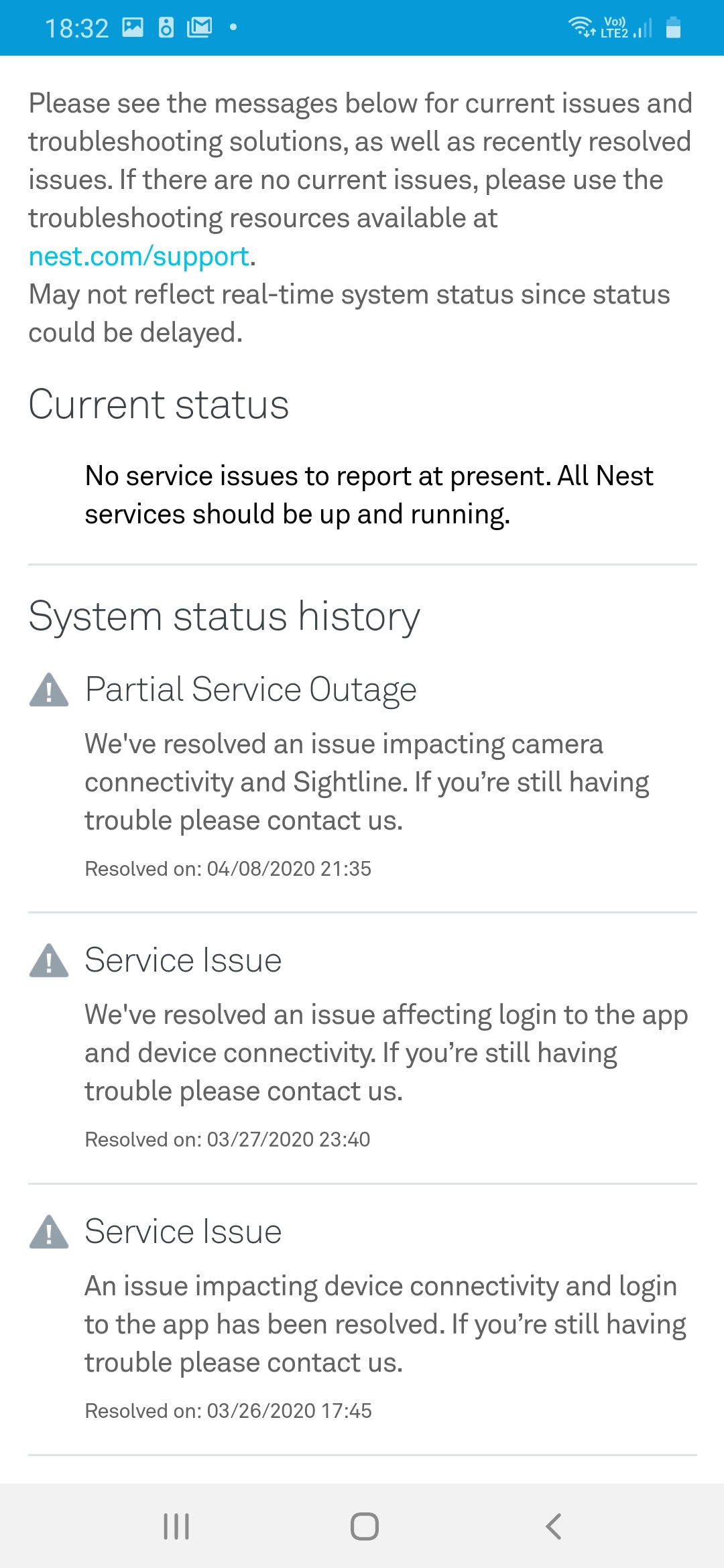
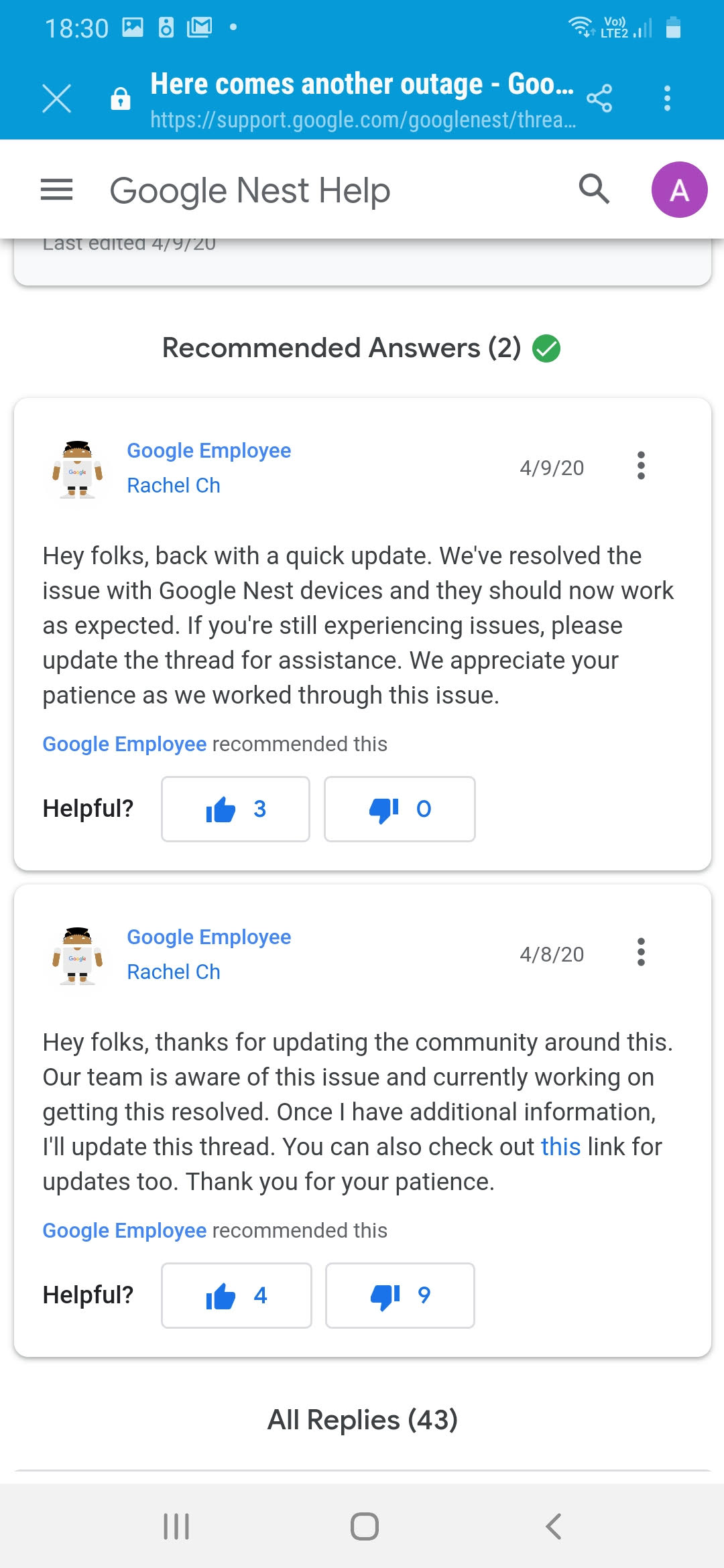
    I recently was spending some time away from home (6 weeks) when suddenly and without warning all of the Google home devices stopped operating – including the video doorbell. The ‘Home’ I had set up on the Google Home App disappeared and I was unable to obtain any access to the system from my mobile phone. The Internet connection was tested and the devices rebooted but to no avail. I was unable to make any progress remotely and had to wait until I returned home to try to solve the problem. I was hoping that on my return and re-connection to the original WiFi router that the system would reset itself but this did not happen. The only way I could resolve the issue was to start from scratch – set up the original ‘Home’ and then one at a time individually reconnect all of the devices – including the video doorbell which involved re-scanning the original QR code – take care to keep this safe! Once I had reconnected I found messages from Google stating that there had been 2 system ‘outages’ on two consecutive days. It stated that the problems had now been resolved.

    My main concern about this situation is that the doorbell was bought as a security device so that we could see people visiting our front door whilst we were away from home. Clearly we would like to have a way of resuming the alert and image recording facilities without having to return to the premises. In spite of research I have not yet resolved this issue. At present Google phone support is not available.

    Below are a couple of screen shots I took. First this one …

    … and this one.

  • Windows – Updates and Booting Up

    Some notes, following the Zoom meeting last Thursday.

    Updates: Going to ‘Settings’ you will find a link to ‘Update & Security’ at the end of the list of links. That has a section, ‘Windows Update’, which will tell you if there are any updates waiting to be installed, and also give you some ‘Advanced options’ on how to handle them. One of those is the facility to pause updates being automatically installed for up to 35 days, for instance.

    Booting up: Another setting is ‘Apps’, which includes a link to ‘Startup’. This shows a list of your apps, and which of them are selected to start automatically when you log in. If you want your computer to boot up more quickly, it might help to turn off one or more of these apps. I will just mention Skype, which I found was selected to start, although I have never used it.

    There are probably similar settings for Apple users.