A short set of notes to mark the last meeting of the Computer Group before it rises like a phoenix from the ashes as “Digital matters” in September (14th September to be precise). It was great to see some returning faces – David Hughes, Jonathan Guest, Steven Jones and Rob Morris; extend the welcome I should have made to Elaine Millward – attending her second meeting; report that Fred Davies was on the mend and hoped to be with us in the autumn and to accept apologies from Sianed, Don, Margaret and Sue.
But we still managed to have an attendance of 17 which was magnificent and which means we ended the year on a high point in terms of numbers. It was accepted that we would start the year in September with a subscription of £2.50 a meeting but would reduce it through the year if we were building up a surplus. [I’d much prefer to reduce through the year than increase.] My guess is that we are quite close to breaking even this year, but I’ve not done the sums yet. We started last year at £1.50each with a room fee of £15 an hour – but this increased at Christmas to £20 an hour with reducing numbers.
I encouraged members to join the Signal group and I have 4 members to add – Elaine, Rob, Steven and Tony – I should have sent the invites before these notes are published. I must also check that I’ve added members who have joined us through the year to the Thought grazing community – I know I must add Elaine, but there maybe others who might have been overlooked. In which case they’ll have a lot of reading to do to catch up!!!
I also mentioned the Meet the Groups event which will take place on October 10th at URC at 2:00pm. Yvonne and Stella offered to help me with the stall to describe what we do to prospective members who might have to go on a waiting list as I’m limiting the group size to 25 max. I mentioned that I had to write a new description for the group which I’d circulate for comment before submitting our new description to the u3a website.
Finally in the introductory remarks I mentioned to members that I was taking part in the inaugural Debating Society meeting opposing the motion “The Use of Artificial Intelligence will be a bad thing for mankind”. This will take place at URC on 5th September at 2:00pm. I’m looking for a Seconder and hopefully can get support from someone in the group.
I then presented the talk on Smart TVs which sparked some lively discussion, particularly from Ralph who would appear to be very knowledgeable on the subject and who contributed a lot to our understanding of colour and the need to really try and get to the point where we could appreciate that what you wanted to see in your home was the same as what you were being shown in the sale room.
Following that we had a discussion on developments in the ChatGPT/Bard and Artificial Intelligence space since we discussed it earlier in the year.
Have a great summer everyone. I hope to see you in September but if you don’t want to join the new Digital matters group, please let me know. You’ll always be able to access Thought grazing and I’ve no reason to take you off the Signal group.
I last ran this topic in 2019 pre-Covid, so a lot of water (dare I say streams) will have gone under the bridge since then, but actually not much has changed either. Essentially screen technology has improved and some suppliers have adopted a standard LED technology across their range, which makes choice easier, and also they (particularly LG, but other main players too) now use the same operating system platform across their range – thus making it easier to use different TVs from the same manufacturer.
What hasn’t changed is the way they compete with each other for the “smartness” of their devices, so I will spend some time on that, without giving too much in the way of recommendations – that has to be a very personal choice, but hopefully if you’re undecided you may find something of use to make a choice.
So first the questions you need to ask yourself, with a guide to possible answers.
Do you need a Smart TV? Concerns about privacy; advertising; snooping [Reveal – you don’t need a Smart TV, it’s just terribly difficult to avoid getting/buying a new one – and I certainly wouldn’t recommend buying an older model second-hand!]
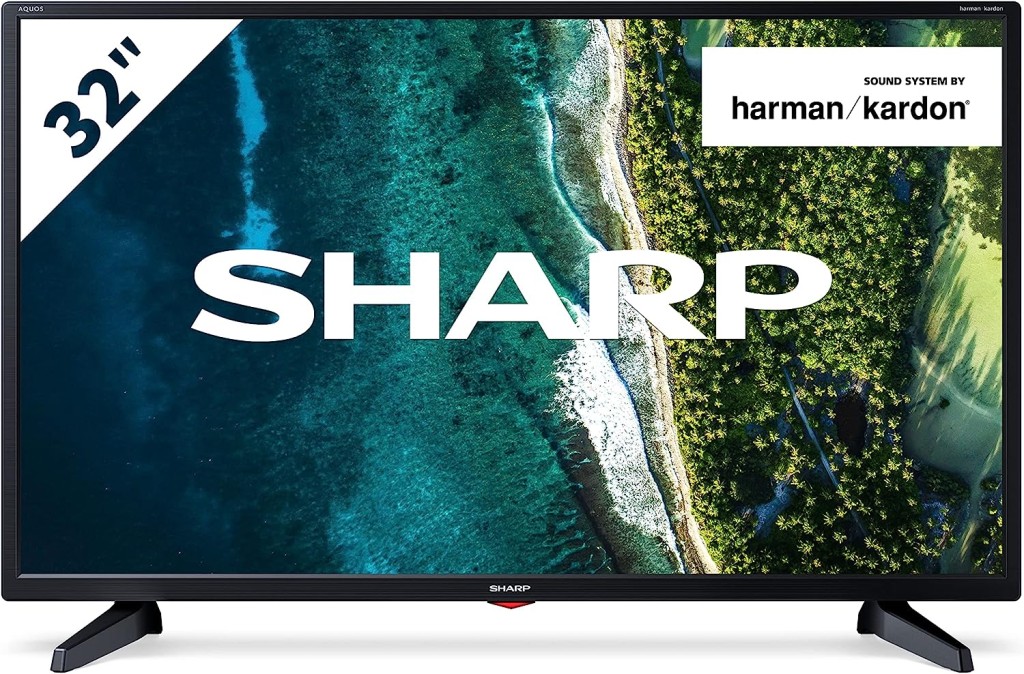
Links to non-Smart TVs (from Amazon UK) – one model from LG; Sharp quite possibly; Cello the major supplier in the UK market.
Finally a dated article from my last summary, but the findings are no less valid and do indicate that a streaming device might be worth considering.
Is the built-in Smart TV provided the best way forward? Well from a convenience point of view, quite probably yes; but if you’re concerned about obsolescence of the Apps on the platform; privacy etc – quite possibly not. An alternative is to buy a TV monitor (or a computer monitor) and pair it with a streaming box from Apple, Roku, Amazon or Google. [This is an option I’m carefully looking at for a new TV in the kitchen, because all the main suppliers don’t seem to supply an option smaller than about 29″ which would (I feel) be just too imposing in a relatively small space).]
Freeview or FreeSat? Both require an aerial or satellite dish, but there are ways of watching Freeview (Freeview Play) as a stream, or watch Freeview as an app on your mobile device and cast/play it to your TV. If you only want the main “terrestrial” services and don’t require streamed services (from the Internet) – these could be for you. There’s also YouView which is a packaged service combining terrestrial channels with some popular streamed services which is then available on certain platforms (ie BT TV, EE TV, TalkTalk TV and Sony TV) – a sort of semi-Smart TV service.
Do you need a TV at all, or could you just use your laptop/tablet instead? Well that’s certainly a possibility. For personal use I’d not discount it and all the major streaming services do have apps for laptops/tablets.
However as the reference to Youview (above) makes clear, if you choose to get your TV service from BT, or Virgin, or TalkTalk or EE, they will provide a box which could provide a lot of what you need for your TV viewing with out the need for Smart TV. These boxes will have replay, and recording as standard features.
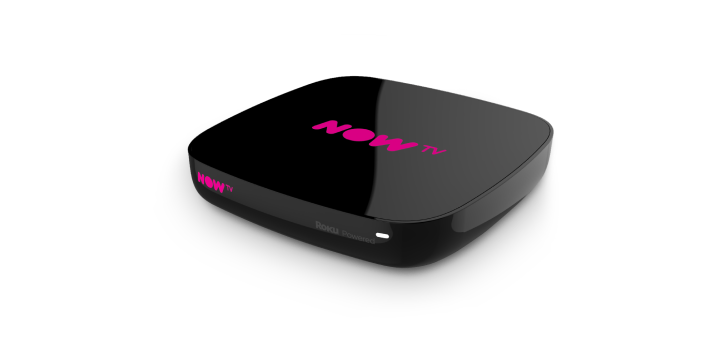
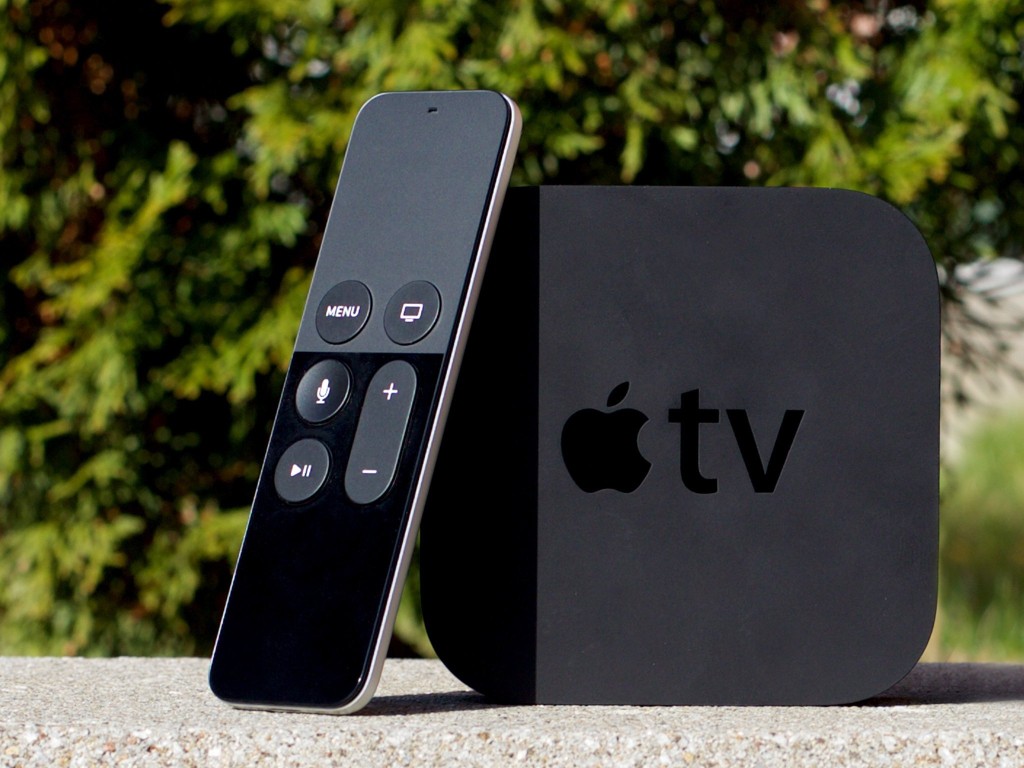
Then there are the streaming service boxes – all of which have their own Smart TV features. I’ve mentioned Roku already, but there’s Google Chromecast, Now TV (which is built on the Roku platform) and of course Apple TV boxes, which can all run alongside your Smart TV apps, or add to your Dumb TV offerings. With a Roku device you can also use Apple’s Homekit and Airplay – useful for sending your Apple device’s screen to the TV – and control it with Amazon Alexa or Google Assistant.
Which neatly leads into Voice assistants and Sound.
Without much risk of contradiction I can say that the audio quality from all TVs is poor unless you are willing to pay mega-bucks. If you’re willing to pay a little bit extra, it’s worth investigating the Soundbar that pairs with your TV manufacturer, or alternatively to look at an offering such as Sonos – there are others, and I’m not going into this area.
What is worth considering when looking at a Smart TV is how it integrates into the rest of your Smart Home. It really is worth stopping and considering whether you’re a Alexa, Google Assistant or Siri home. You quite possibly have acquired devices from several manufacturers not realising that they all have different voice assistants and not all of them integrate easily (if at all) into your Smart Home Hub – Nest, HomeKit, Echo, or SmartThings – to name a few.
If we look at just the Voice assistants and TVs – Samsung supports its own Bixby (which integrates, I believe with it’s own SmartThings smart home platform), Google Assistant and Amazon Alexa and whilst it has a very good integration withe Apple through its Apple TV app, and through AirPlay doesn’t allow you to use Siri voice assistant, or integrate it into Apple’s Homekit ecosystem. Indeed it’s only LG that has a good integration with Apple Homekit enabling you to use Siri to control the TV. [Indeed LG is a good platform for voice assistants because it supports Google Assistant and Alexa as well as it’s own little known ThinQ system.]
What other alternatives are there to watching streamed digital content on your TV? Well the most obvious one is to use your PC/Mac as the TV and use software on the PC/Mac to record Free-to-Air content. You will need a digital tuner for the PC/Mac to get the content.
There are other companies in this field but I can only vouch for Hauppage. I once installed a card in my Windows PC, and I still use a USB Tuner with my MacBook Pro to watch TV. Postscript.
There also DIY streaming solutions. I have built a Plex server, but Plex as an app is also a possibility, streaming content across the internet from an app. My Plex server allows me to archive content I want to watch and watch it from anywhere in the world from a server running at home. That used to be useful for my family in Australia before they started using a VPN.
I’d known about Plex for quite a long time but had (prior to 2016) not done anything about it. I’d formally used iTunes essentially as a media server built around a MacMini that sat under the TV with all content that I could record from Get iPlayer Automator and my media that I’d digitised including my CD collection, as well as the streamed versions purchased and downloaded from iTunes/Amazon.
I set about a project to install Plex on the MacMini (which I’d upgraded with a new SSD drive, an extra 4Gb of RAM and an install of the latest MacOS (then High Sierra, it now runs Catalina). Here are a few links to show you my direction of travel.
I forgot to mention new display technologies from LG/Sony/Panasonic called OLED, and Samsung – QLED. This article explains what these are. It would appear that Samsung and Sony just lead the pack on their use of QLED technology, but it is a race that all will try and compete and try to win. WYSIWYG or what you like is what you buy (WYLIWYB).
I haven’t handled other screen technology – 4K, 8K, HD-Ready, Curve-screen 3D and more – notes from the last time I did this topic, here and here (two different links).
Other links (useful if you have an online Which? account) – not sure whether they’re open to everyone …
Just too much to mention!!!!! So in conclusion, some more links …
For the Samsung aficionados – their argument why their platform is the best for Smart TV; a persuasive argument (for me) from LG as to why their support for Apple Homekit maybe the best way forward for me; a review of HomeHubs which might be of use/interest in helping to come to a decision on what you might want to do in your house re. smart homes (a topic we will definitely study again in “Digital matters”); and finally a review of all the major Smart TV platforms for you to ponder over and consider whether anyone has a significant advantage over any of the others FOR YOU! I stress again, this is a very personal decision.
And finally, some more links from the previous presentation to maybe make you think and help your decision-making.
A busy meeting with far too much chat from me. So much so that we had to postpone the promised AI discussion to the next and final meeting of the year on the 27th July.
We started off with a discussion of the email (below) that I’d sent to members with my suggestions on how the group should work from next year when we start-up again on the 14th September.
As I’ve already shared with you, I’m planning to do a session with discussion and thoughts on Artificial Intelligence at our next meeting on 13th July and planning to do the TV/Digital session on 27th July.
Thanks for all the kind words about my cancellation of the meeting on the 22nd June. You’ll be happy to know that our slabs were laid successfully and are no longer the trip/fall hazard they had been.
I’m into planning mode for next year and there are a few things I’d welcome your feedback on. Please drop me a line as a reply to this email with your thoughts.
1) I think it’s time to give the group a refreshed title to reflect that we do very little on or about computers, and a lot on general and specific digital issues; that is the internet, apps, mobile computing, home devices, security, privacy, digital exclusion etc. etc. I’d like to change the name of the group to either “All things digital”, or “Digital matters”. Your thoughts, and your preference for a new title?
2) I’m sorry but I’ve decided that I can’t facilitate a Zoom meeting on the first Thursday of the month any more – it hasn’t met for the past couple of months in any case. If Paul would like to facilitate it and organise it, I’ll certainly attend when I can, but I’d like to split it away from the main group. Is there a demand for this meeting? Your thoughts Paul, and the thoughts of others who might wish to take part in such a group?
3) At the start of this year I expressed the desire I had to learn more about the devices I use every day. I mentioned that my knowledge of iPhone, iPad and Macs (and iOS, iPadOS and MacOS) had not really developed in at least 5 years and that I was sure there was more I could learn to make my life easier if I just applied myself. Being forced to research a few hints and tips, new apps, and better ways of working every month would really help me, and might be of interest to others. I’m therefore suggesting a lunchtime session (at 12:00 probably) to precede the discussion meeting on the 2nd Thursday of the month which I thought I’d call “Apple pie”. It would be an informal session (bring your own lunch for instance) – venue to be decided, but possibly the cafe area in URC – and contributions would be welcome from anyone. This idea would have to go to the Committee for approval as it might be thought to be exclusive, but there is a precedent in Phil Edwards iPad group, so I hope they will agree to it. I could make it open to all of u3a members as well. Your thoughts on this idea? How many of you might be interested in attending?
4) I’m proposing we move back to URC for our meetings next year. Whilst I personally will be very sorry to leave Sight Life, we have not been able to cover our costs since Christmas with a subscription of £2 a meeting. We need a minimum of 15 attendees each meeting to break even. The alternative is to pay £2.50 a meeting. What are your thoughts on this – the change of venue, or an increase in charges to stay at Sight Life?
5) Finally (and related in a perverse way to the above), I don’t want to have the same self-enduced chaos of having too large a group a group at the start of the year and all that shuffling around which nearly drove me mad (esp. when trying to do hybrid meetings as well, it has to be said). I’ve therefore put a max size on the group of 25 and re-introduced a waiting list. If you know definitely that you won’t be coming next year, it would be helpful to know now. You will always have access to the Thought grazing website and the Signal group, unless you ask to be removed from it. The former is open to all u3a members in any case.
Apologies for the length of this message. Congratulations if you’ve got to the bottom of it! I’d really appreciate your thoughts and input in helping to frame the direction of the group for next year.
First of all many, many thanks to the 13 (or more) members who replied to this message. From those replies I got a feeling of the way the group was thinking. We then discussed the points raised above.
From a vote, the majority of the group felt that the group should be renamed “Digital matters“. We confirmed there was not currently a need for the Zoom meeting on the first Thursday of the month – I had been in contact with Paul about that. Quite a few members felt that the idea of “Apple pie” was a good one – but the form it would take was not confirmed. There was quite a lot of discussion about the venue, but in the end there was a unanimous feeling that we should continue to meet at Sight Life, and coupled with that we would start with a meeting subscription of £2.50 and reduce it if numbers allowed in order to cover the cost of hire of the room at £20 per hour. Lastly we accepted that a Waiting List was an inevitable result of the over-subscription last year, and that if the numbers wanting to join were greater than 25, and the Committee didn’t like the idea of a waiting list, that the Committee should approach someone (other than me) to convene another group.
So there we are. Consequent upon the decisions we reached and after thought over the weekend, I decided that Apple pie wouldn’t work with meeting anywhere else but URC, and so I ‘m offering a “virtual” Apple pie Signal group, and added a Android alert group as well. These have now been setup and you are encourage to join using the links below …
It had been 5 weeks since our last meeting and there was quite a bit of news to review. I had trouble finding the link to the Flipboard magazine – so subsequently I made it a main menu link …
… more about that later.
We touched upon Threads – the latest effort to wrest control of the social media world from Twitter, but noted that it didn’t contain news feeds, and that if you deleted your Threads account, it would also remove your Instagram account – an unintended consequence, or a planned tie-in for future monetisation? We also noted that it was not yet available in Europe, only in the US. It’s take-up therefore was quite exceptional.
I noted the cessation of support for Firefox updates/upgrades on older versions of MacOS. This was regrettable, but inevitable – you cannot make software run for ever on older hardware or software.
I mentioned the Apple Rapid Security Response release and recommended that all iPhone/iPad users should make sure that they have these releases enabled. They are not the same as Updates or Upgrades which I continue to recommend should not be installed immediately, but delayed for a couple of weeks – at least – to ensure that other people find the bugs that are always present in new software releases. I also highlighted the furore over Apple’s increase in costs for iCloud storage. I didn’t think it was unjustified and felt it was still excellent value for money – if you’re a Mac user.
Apple has joined Google, Facebook, Twitter and others in condemning the UK governments’ online security bill. They have stated that they will have to exit from the UK if it passes into law. I’m truly surprised that politicians and civil servants don’t draft this kind of legislation in partnership with the tech companies so that they don’t try and enact something that’s technically impossible to implement. I also highlighted an excellent interview that was on Channel 4 News with someone from Signal with an MP – worth a watch.
I revealed that the EU – a champion of privacy and data security legislation had now relaxed their objection to data transfer to the US – I await to see whether there is enough control in the US to encourage me to drop one of my objections to Meta and use of WhatsApp.
I reported on more steady progress towards the adoption of Passkeys through the latest news from the Fido Alliance.
All of that took far longer than I’d intended it should, so we only had time to consider member issues.
Jenny had problems with the hinge on her laptop, we advised her to go to “We will Fix your PC” – they might be able to help; she also had problems with her printing after using supposedly compatible cartridges. They might be able to help her with that too.
Margaret mentioned an issue with twitter which has transpired since Elon Musk’s takeover. She formerly was able to view tweets that she’d been sent – even though she didn’t have a twitter account. This has now been disabled as the API to twitter has been withdrawn. She also told us about her saga with her anti-virus provider and the fact that she was no longer able to install the latest version on a device that she had previously had it running on. Advice to uninstall completely the previous version was suggested by Sianed. She was however now content to just use Windows Defender and probably not renew the package next year.
Anne was having yet more challenging times with VirginMedia. This time over the failure of her email system; which was due to a failure by them, not anything she had done, which was confirmed by the engineer who eventually came to see her. She also reported that by switching (due to takeover) from VirginMobile to O2, the Facebook Messenger app was causing charges for MMS messages, which she’d not incurred previously.
Ian told us about the “What3Words” service and app to pinpoint your location in case of emergency, including getting lost! He also reported a way of completely wiping a disk in a Mac computer before disposing it. Just press CMD-R whilst booting-up and that takes you to a menu which enables a number of possible options to reconfigure a disk. He also reported on problems that he’d had when trying to “rescue” his iPhone, only to find that he was required to provide 2FA to access the website to get through to the Apple store. It transpired that there is a way to get through directly to the Cardiff store from the Apple website.
Renee had bought a Smart TV and was still trying to discover its capabilities, and she asked whether anyone had tried Bard – some members had.
Finally Tony asked for the URL of Papercut, the company that produces “easy to follow” manuals for lots of things. Here it is – https://www.pclpublications.com/catalogue/
I hope you agree with me, it was quite an enjoyable meeting.
Following the meeting, I did a bit of re-organisation of the Forums on Thought grazing, introduced new menu items under the Forums menu tab to make Topics more easily findable. Please use Topics as a way of reporting interesting items to the Group – they’re much more useful there than on Signal. I will try to copy relevant posts into Topics but it would help if you could do this yourself.
Ian recently had problems with his phone in which he lost his past Signal conversations. Renee had a similar problem last year as I recall. For those changing their phone and not wanting to lose their Signal conversations, this might be a useful link – https://screenrant.com/signal-transfer-conversations-new-iphone-android/
Did you know … you can create a shortcut to Thought grazing on an iPhone (probably similar on an Android phone) by pressing the Share button when you’re on a page you want to have a quick link to; and then selecting Add to Home Screen and possibly editing the suggested name; then moving it to where you can easily find it on your phone Home screen. You can setup any number of shortcuts this way to any website you frequently use.
Brief notes this time – apologies. I started the meeting by reviewing recent posts on Flipboard, looking at our Group webpage on the Cardiff u3a website and inviting help in facilitating the General Meeting on June 13th. I re-iterated my encouragement for members to subscribe to the free Which? Scam Newsletter, they also do a free Technology newsletter amongst others that members might also find of interest..
Anne was having problems with her TiVo box and the transfer tio VM360. Unclear instructions from VirginMedia. [Partly resolved by next meeting. Update??]
Tony had been searching for an alternative broadband supplier; he’d got a reduction from BT after price-matching from VirginMedia. He’d also had problems with unzipping files. [Update??] He was also more than a little disappointed at the way HP was blocking the use of compatible cartridges on their printers. A good reason to migrate/consider tank printers??
Ralph was unsure why Google seemed to cease working (or finding sites previously visited). Suggested that a solution might be to clear the browser cache.
Jim suggested that a solution to Stella’s previously reported problem might be to search the whole disk for missing files (TV programmes). He updated the group on what he had recently been doing using Audacity (see previous post). He’d wanted to take output from Video2MP3 music video (on YouTube??) and cut it into segments for easier playback. He’d used Audacity to do this. He was continuing to experiment with his new Pixel phone and was curious as to why some photos were being stored as thumbnails (I don’t know whether I’ve reported that one right??)
Ian was investigating a change in his iMac identity connected to separating work from home use. [Update??]
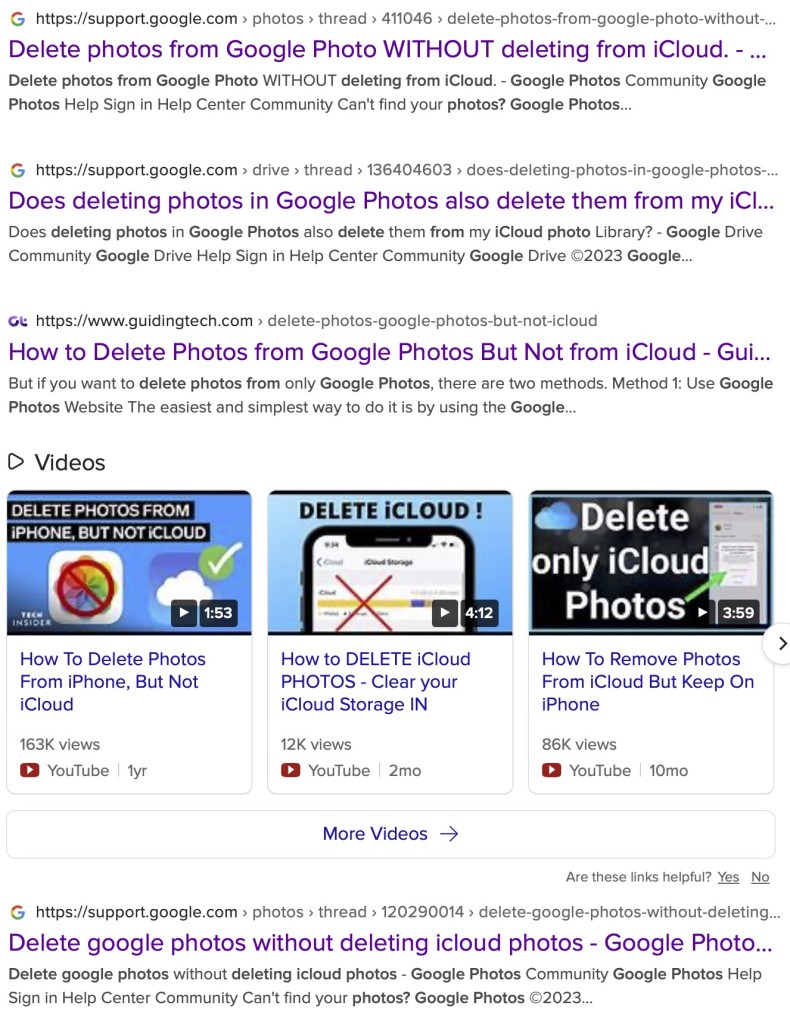
A short post to highlight an issue that I wasn’t aware of, and now have to be very wary of. Indeed Ian’s comment about whether you need the Google Photos app installed on your iPhone is prescient – you most probably don’t if you’re backing-up photos to your iCloud account. And if you’re backing-up photos to a google account (as described in the earlier post), there are different ways of doing it which means you quite possibly don’t need the Google Photos app on your phone.
Remember, you can always look at the photos stored in the Google cloud from photos.google.com on your Apple phone or tablet – you don’t need the app installed.
So here goes … another learning point. I’ll type it in capitals so that you don’t miss it!
IF YOU DELETE PHOTOS FROM THE GOOGLE PHOTOS APP ON YOUR IPHONE OR IPAD AND IGNORE THE WARNING – THEY WILL BE DELETED FROM ICLOUD AS WELL.
There, I’ve said it. I didn’t realise it, and always shied away from deleting photos in Google Photos because I didn’t really understand what the warning meant. But now I do and obviously that’s not something I want to do, so how do I go about removing photos from the app, and/or from the Google cloud. Read on!
Scary, eh?! Take care when deleting photos from your iPhone
What I’ve researched is well summarised in the following article …
If you want to delete photos from Google Photos – do it on the Google Photos website, not in the app on your iPhone or iPad. If you have synchronisation active, they will then be deleted from the app on your device as well.
If you want to quickly delete all photos from your Google Photos app, just delete the app having first ensured that you’ve switched off Backup and Sync, because if you don’t, when you re-install the app, they will be synchronised back to your iPhone/iPad.
If you don’t need the Google Photos app, uninstall the app, no photos will be deleted from your phone, they will still be in your Camera Roll and will have been stored on iCloud, nothing will be deleted from the Google Photos website either, so you will have to do that deletion from photos.google.com – see Case 1 above.
An unlikely scenario, but one to be aware of – If you turn off iCloud before deleting photos from Google Photos on iPhone, then the photo will be removed from your device and Google Photos. It will stay on iCloud. However, if you enable iCloud again on the same phone, the photo will be removed from it too.
And even more unlikely, but probably unexpected and a potential surprise – Disabling Backup and sync will not have any effect on your iCloud photos as it is just a setting to enable or disable backup service on Google Photos. If you disable it and then delete photos from the Google Photos app on your device, they will be removed from the device as you are technically deleting the device copy on your iPhone/iPad. And once it is deleted, the iCloud copy gets deleted automatically.
Remember. Google Photos in the cloud, and iCloud Photos do NOT work the same way. Apple aims to synchronise all images across all devices with “the master” being held in the cloud. The Google Photos app is just a portal looking into the images on the device, and synchronising (if chosen) those images with ones stored on photos.google.com.
I hope that makes it all perfectly clear 🙂 🙂 🙂
In summary, do not delete photos in Google Photos directly from your iPhone if you have both apps on the device. Use the Google Photos website to remove photos. It is suggested that you should delete a few photos initially. Then, check them in iCloud after some time. If the photos are still there, you can go ahead and delete them in bulk.
A piece of software that sits on your device and hides your IP address and user credentials from “snooping” network users. Of particular value when connecting to an unsecured public network (eg a cafe). Normally unnecessary on a home network when connecting to you router, but it obviously can provide additional security and hides your device completely from the internet.
One additional use that they have is that because you can choose the geographical location of the VPN server you wish to connect through, you can logically (or virtually) place yourself in a different country, thus enabling you to appear to be in the UK – when abroad (so that you can watch UK TV); or alternatively appear to be in a different country from home (when assessing alternative cost options for say a holiday).
— Forum Responses —
Thanks for this, I am looking at NordVPN for location shifting.
If I sign up can I use it on 2 Android phones, W10 Computer, and Android Tablet, all on one subscription ?
This was the first of our “discussion-style” meetings and I recorded the following notes.
John S reported that his bus pass had stopped working and it had taken two further re-issues to get a working card. This led to a general discussion about apps and led to the suggestion (later in the meeting) that a session on apps might be “a good idea”. I offered to do a write-up on the Cardiff Bus app. [I haven’t done this because of later actions, namely the Forum “The apps I use …”.]
Renee had followed up her Signal request for suggestions for a new mobile contract by signing-up with Lebara (linked to Vodafone) and was happy with the deal but unhappy that voice-messaging didn’t seem to be offered. I advised that with GiffGaff (my preferred provider) it took some time for the network operator to arrange with the phone supplier the necessary integration and access to voice messaging. I found this link which might be helpful. We also discussed VPNs and I again offered to write something about them. [This I will do as a Topic in the most appropriate Forum.]
Anne was having difficulties in setting-up Amazon Prime. Getting a “No internet connection” message after she had upgraded her VirginMedia Router. Advice from group members was that she probably needed to setup the network connection on the TV again because the IP address of the router was probably different.
John M reported that he was experiencing an annoying break, and then delay in delivery of streamed media. I explained that this was almost certainly due to buffering. The download of a stream starts, then the delivery of the stream to the device is faster than the initial filling of the buffer that holds the content. Once the two are in sync, this delay would be minimised and the stream would be constant – that is download would equal display but would probably be slightly behind a live stream. This can be mitigated by using a cable connction from the router to the TV (or other device) because the download speed over local cable would be faster than relying on WiFi. He also reported some difficulties with enabling his First Direct Bank account with 2FA (his fingerprint). We suggested that he might look at the settings for his device, or the app, just to check that fingerprint recognition had been enabled.
Margaret retold in great detail the sage of changing her old phone to a new phone. The trials and tribulations of different SIM sizes (moving from a 7-year old phone); the barrier of having to provide ID at the shop (the security check to prevent SIM-swapping – which I applauded); the complexities of different USB connections (USB-A to USB-C) for an adapter; and when she’d got through all that the difficulty in understanding the instructions to validate the new sized SIM (they said Turn off, it should have said Power down). Congratulations and applause was showered upon her for the detail in her recounting of events and her success in achieving a successful outcome.
Ian was experiencing the SBOD (Spinning Beachball of Death) on his 7-8 year-old Mac; was this really the end, or could he do something about it? I suggested that the machine was probably nearing the end of its productive life. I had older machines but had been able to upgrade the RAM, the hard disk and the battery. If any of these were a possibility an upgrade might be a good idea and it was a job that a user could do relatively easy as there are videos (specific to machines) on the internet that show you hoe to do it. In the meantime, powering down the machine at least once a week (to flush the cache); running maintenance software such as Clean My Mac; and reducing the number of open windows, and background software, might eek more life out of the machine.
Stella was trying to link her laptop to her TV, but was having difficulties in doing so. I can’t remember (and I have no note) as to what was suggested.