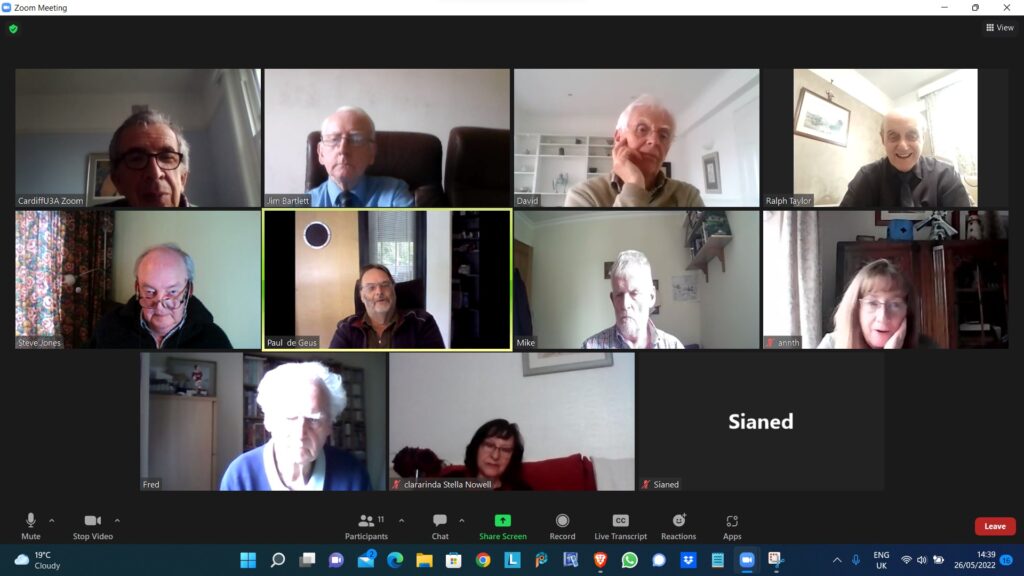
Ted Richards facilitated this meeting in the continuing absence of “yours truly” from that role. A screenshot of the attendees (minus Sianed’s picture as her camera wasn’t working), is below and a copy of Ted’s presentation on his use of Paint is included as an embedded file below that. Just click on the arrows to move backwards and forwards through the presentation.
Many thanks Ted, I’m sorry to have missed the meeting, but I’ll be with you all again on the 9th June, and then hopefully no more absences until the end of July when we’ll take a break.
It’s often useful to be able to send an image of your screen, or part of your screen to someone. In fact I use this facility all the time when creating these blog posts.
On the Mac, it’s very easy …
Press Cmd-Alt-3 to capture a complete screen
Press Cmd-Alt-4 to draw a window that you want captured
To be guided through the options you can
Press Cmd-Alt-5 and from the Options screen decider where you want to save your Screen shots [I save them to a Dropbox folder so they’re available between my two machines], and also choose the option for the type of screen capture you want, or even to Record a series of actions.
On the iPad/iPhone, it’s straightforward too. You can capture a screen by Pressing the Power Button and the Home Button together [It works best if you press the former just before you press the latter].
“It might be helpful for your notes if I run through my Windows 10 sequence. The relevant key on my laptop is labelled SYSRQ/PRTSC, so I have to press the ALT key at the same time to print the screen. This puts the image onto the clipboard, so I then have to save it somewhere. I usually go to Paint Shop Pro and paste it as a new image. One thing I am investigating is what happens if you have two pages at once on the screen. At the moment I can only print one of the pages, depending on which I click on.“
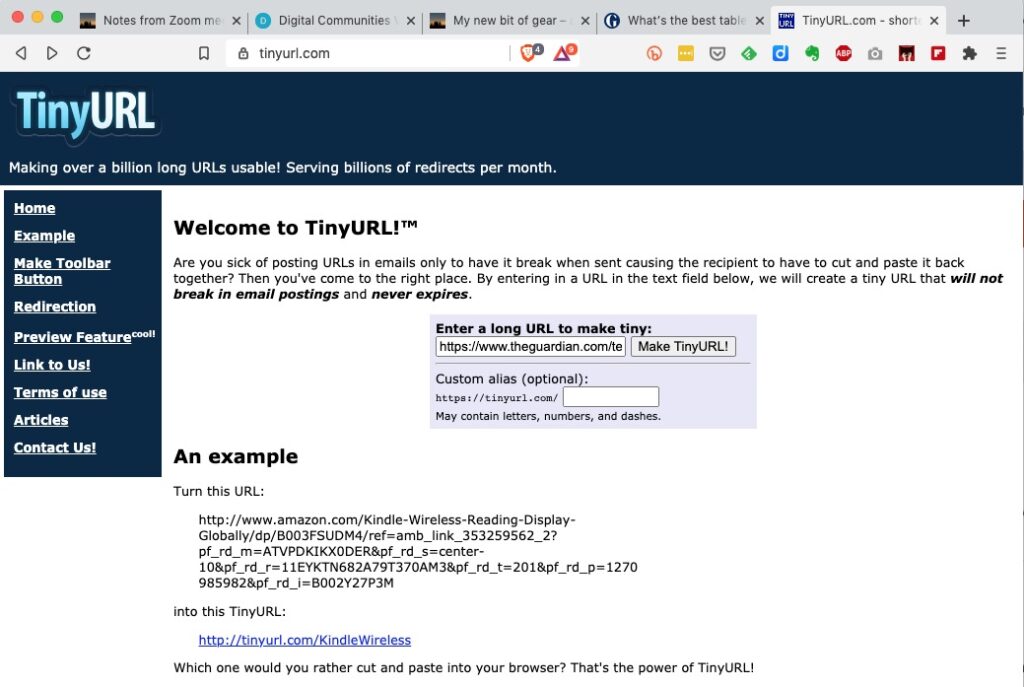
I’ve annoyed a few people over the years (well – one person at least) by pasting overlong URL’s in blogposts, and on WhatsApp. Ever since Google stopped supporting it’s own URL shortener I’d forgotten to go and look for an alternative to setup as an extension in my browsers (Safari, Chrome, Brave and Firefox) and more importantly to have as an app on my smartphone.
I’d used tiny.url for many years, but that generally meant you had to copy and paste the URL to a page you’d left open on the tiny.url page …
… and then once shortened you could copy the shortened URL to the email, WhatsApp, etc message.
But it would be much nicer if there was an extension which you could just click on from the page in question, and you’d get a shortened URL. That’s where bit.ly come in. It’s available both as an extension for Chrome, Brave and Firefox and as an app for iOS and Android.
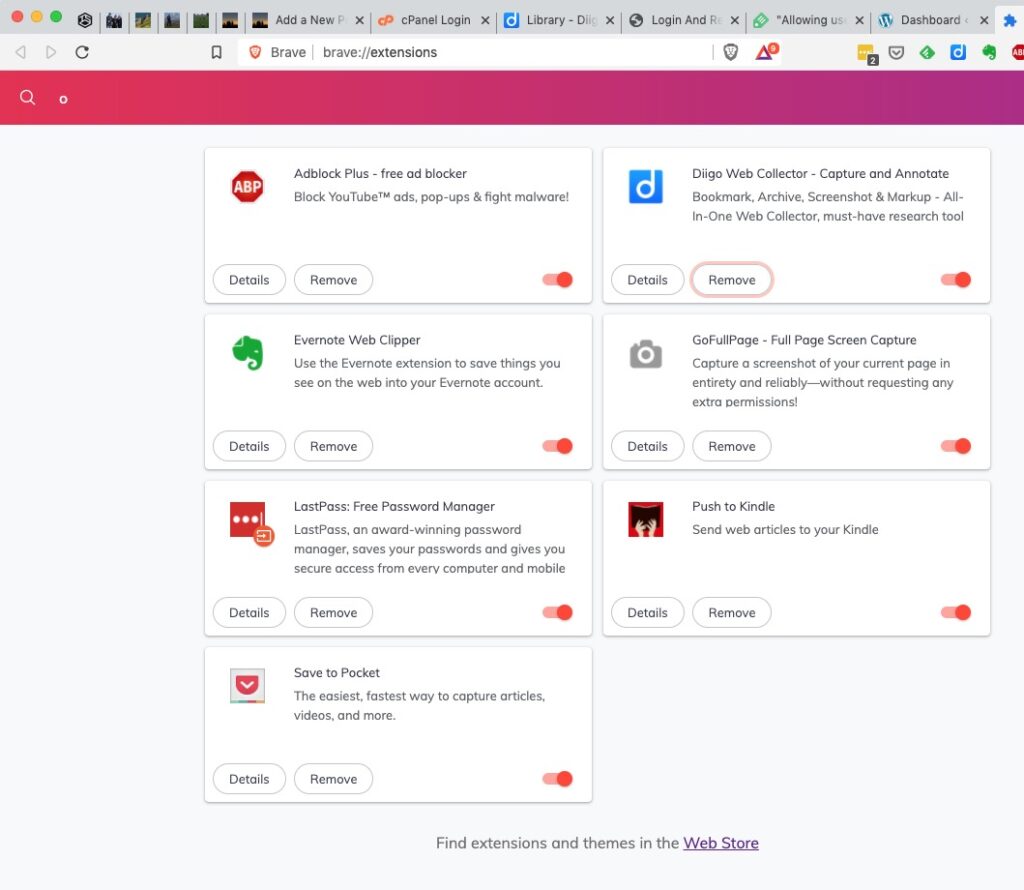
To install bit.ly as an extension on Brave, go to Brave > Window > Extensions …
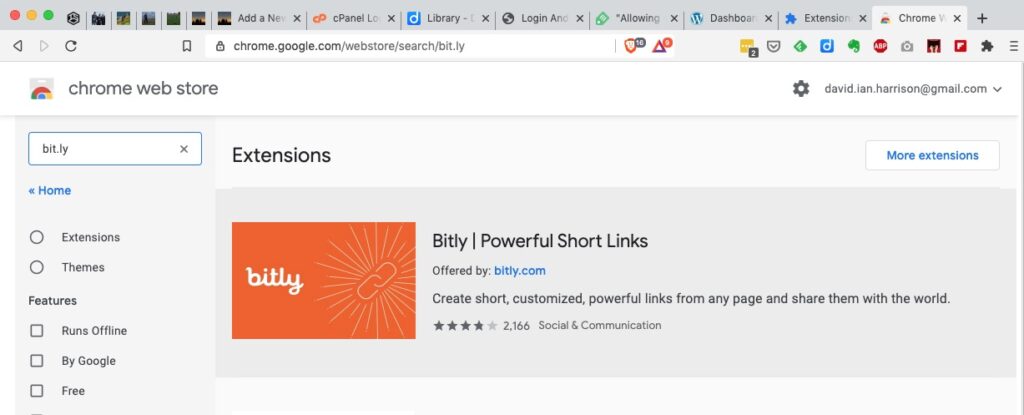
… click on Web Store …
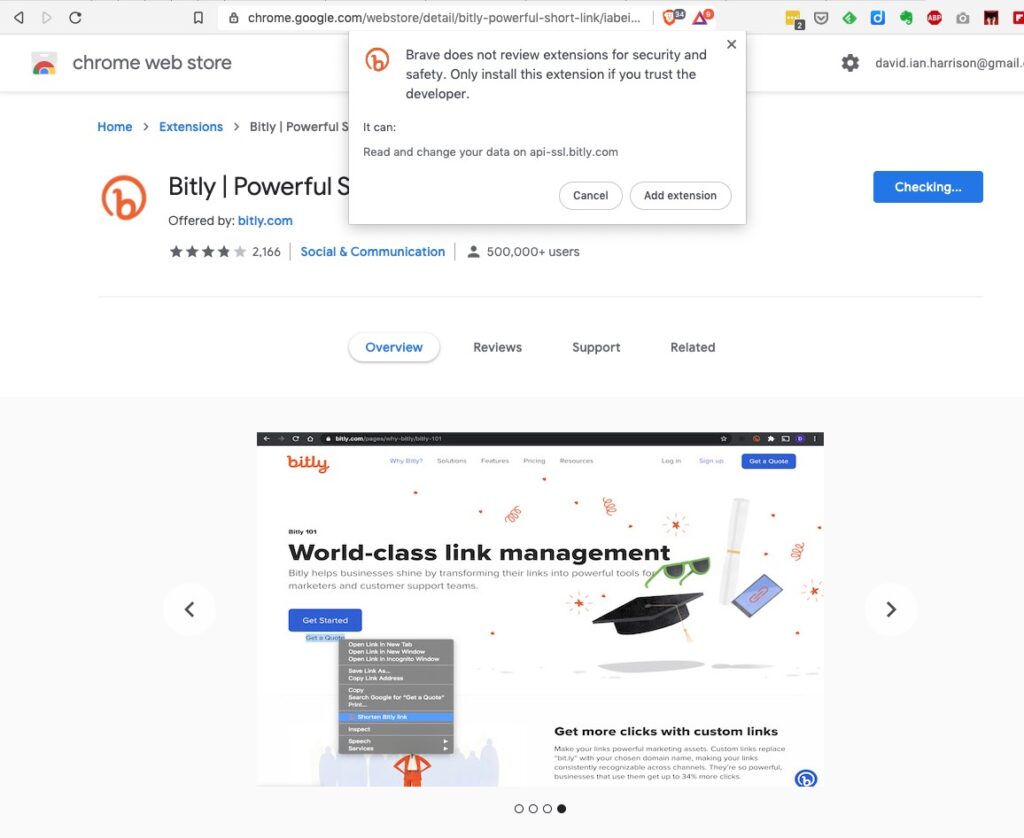
… and type bitly, or bit.ly in the Search Box. Click on the bit.ly box and agree that you want to install it in Brave (or Chrome) …
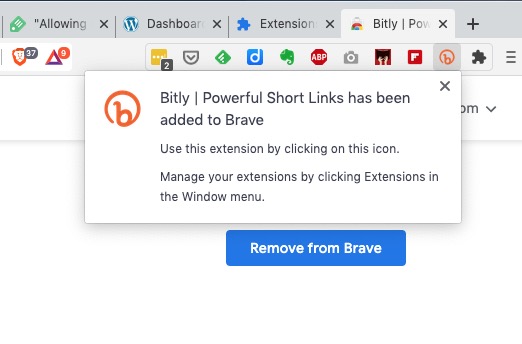
… agree that you want to add the extension and then you will see it’s been added to your browser extensions …
It’s as straightforward as that. Now any time you want to shorten a URL, all you need to do is click on the bitly icon and (after creating a bit.ly account), the following dialogue box will come up …
… and you can then Copy the shortened URL that’s been created, wherever you want to.
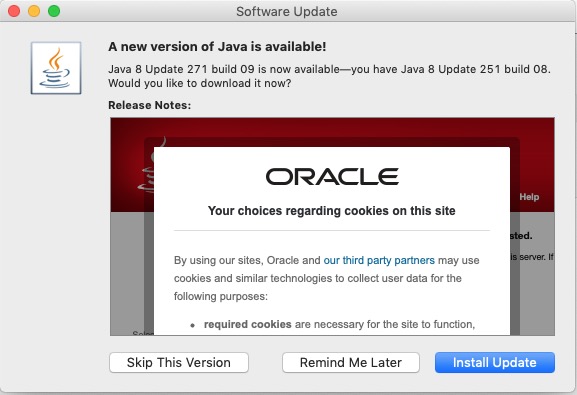
I was quite surprised to see when I reviewed the articles I’d posted over the years that I’d never written one specifically about Open Source software, and “free” software. Of course the topic has cropped-up quite a bit at Cardiff U3A Computer Group meetings, and I have referred to pieces of Open Source and “free” software on “Just thoughts …”, but I’d never put my ideas down about the reliability, philosophy, use and accessibility of Open Source and “free” software in general. Just as I write this – guess what popped-up on my screen …
… Java – an example of a programming language that has morphed into a software development environment whose component parts are all, or can be replaced by, open source modules. Java is an accepted piece of the architecture of a huge number of the systems we use everyday, as is Apache – the web-platform that powers most of the Internet’s servers. I mention these two as examples because it demonstrates how deeply elements of Open Source thinking is embedded into so many of the systems we use every day. Other ones would be Linux, and WordPress – a multi-platform operating system, and web-publishing software which the Cardiff U3A Group has looked at before. So, in a nutshell – open source is respectable!
What makes software open source then? Technopedia defines open source thus …
“Open source is a philosophy that promotes the free access and distribution of an end product, usually software or a program, although it may extend to the implementation and design of other objects. The term open source gained traction with the growth of the Internet because of the need to rework massive amounts of program source code. When source code is opened to the public it allows for the creation of different communication paths and interactive technical communities; it also leads to a diverse array of new models.”
… thus the code is generally very safe, because it can be inspected by anyone, and any changes in the code can be easily traced. The definition goes on to explain the following …
“Open source revolves around the concept of freely sharing technological information so that it may be improved through multiple insights and viewpoints. Since the technology is open source, the amount of work that needs to be done is reduced because multiple contributions are added by many individuals. This concept existed way before the age of computers and even before the industrial age when people shared and improved recipes for food and medicine, for example.
In terms of open source software, the code is often freely downloadable and changeable as long as the user sticks to what is agreed upon in the software license agreement. Open-source software is usually under the General Public License (GNU), but there are other free licenses like the Intel Open Source License, FreeBSD License and the Mozilla Public License.”
That doesn’t make it necessarily FREE, because developers can charge for the software they develop on the base of open source, however generally if it’s made available under one of the above licences it’s often the Support and Implementation that’s chargeable, not the software itself. Look for the licences (as above) to determine whether the software is genuinely Open Source and thus you should expect it to be “respectable” and “safe”.
So any open source software must adhere to the following criteria:
Free redistribution of the software.
The source code should be publicly available.
The software can be modified and distributed in a different format from the original software.
The software should not discriminate against persons or groups.
The software should not restrict the usage of other software.
Then there’s Free Software. As I’ve explained most Open Source is distributed free of charge, and the intention behind it was freedom of code, and freedom from intellectual property rights. The subtle difference with Free Software is that in the latter the emphasis is on freedom for the user to do whatsoever they want to do with the code. It is truly FREE! As a term and as expressed by the Free Software Foundation it predates the Open Source initiative and was the driving force behind the licences mentioned above. Thus free software must adhere to the following four pillars of freedom (which are rights and not obligations):
The freedom to deploy the software for any use case without any restrictions. For example, saying that the license of a program expires after 30 days makes it non-free.
The freedom to study how the software works and modify it according to your needs and preferences.
The freedom to freely re-distribute the software to assist someone in need. The redistribution can be done at a cost or at no cost.
The freedom to enhance the performance of the software and release your enhancements for the community to benefit—both programmers and non-programmers. You can do this at a cost or at no cost.
Now it starts to get a little bit more cloudy. There’s Freeware which might also be described as freememium, or shareware. I quote …
“Typically, freeware refers to a software that you can use without incurring any costs. Unlike open source software and free software, freeware offers minimal freedom to the end user.
Whereas it can be used free of charge, often modification, redistribution, or other improvements cannot be done without getting permission from the author.
As such, freeware is often shared without including its source code, which is atypical to open source software or free software.
Two of the most common types of freeware are Skype and Adobe Acrobat Reader. While both programs are free to use, their source codes are unavailable to the public.
Most developers usually market freeware as freemium or shareware with the intention of encouraging users to buy a more capable version.
Freemium refers to a program that is offered at no cost, but money (premium) is paid for extra, more capable features.
Shareware refers to a program that is initially available without any costs attached, and users are encouraged to distribute copies. However, that cost-free period usually lasts for a certain period; thereafter, a user is required to pay for continued use.”
Finally, you may come across the term “Donationware“. This is software that is distributed for free, but the author invites the user to make a contribution to the ongoing development costs (or the programmers coffee). It might also be described as “conscienceware”, or even “thankyouware”!!!
So armed with that information, it’s time for me to provide a list of the free software that I treasure the most.
What is really a sad state of affairs (and here I stray into political waters – dangerous, I know) is that the Track and Trace (outside Wales, where we have tried to do things much more locally and involved local Public Health experts from an early stage much more) is that it does appear to be putting the cart before the horse. The app should have been in place before they allowed the pubs/hospitality outlets to be opened. It should have been made mandatory. You shouldn’t have been able to enter unless you scanned yourself in (or failing that supplied a verifiable name and address. Mini-rant over!
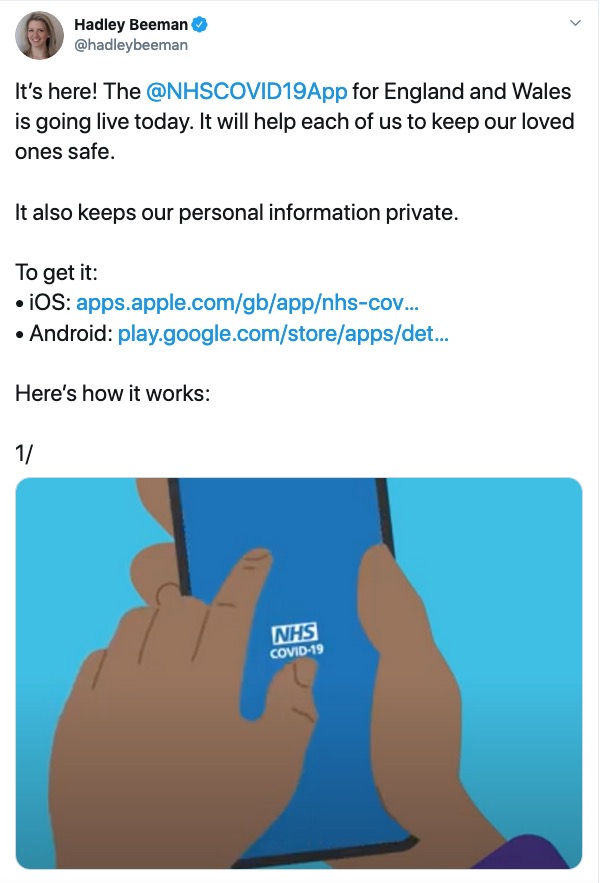
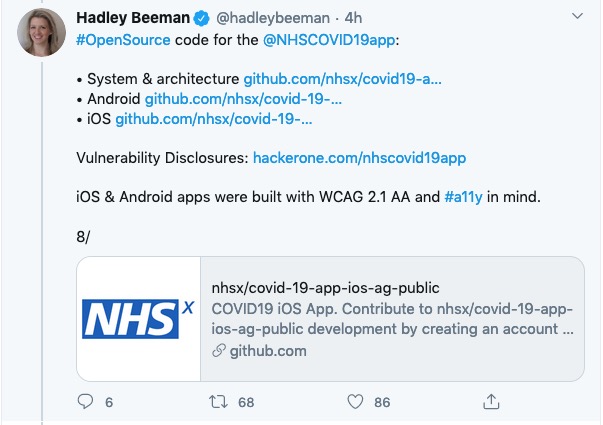
So it’s available on iOS devices from the iPhone 6s onwards, and Android devices from 2017 (Android 6) onwards. You download it from the appropriate app store.
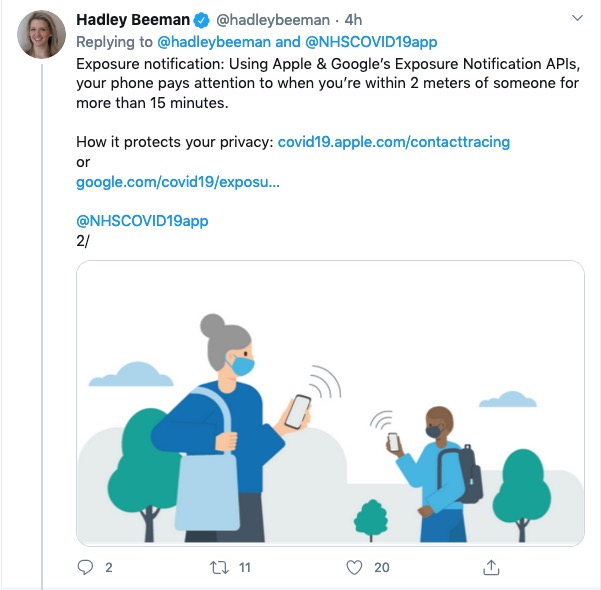
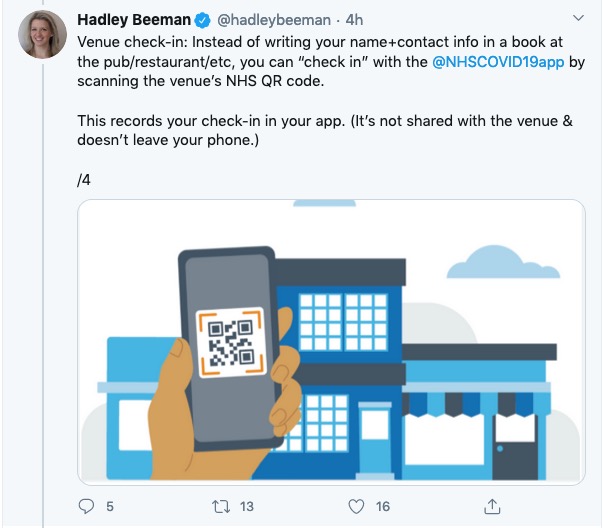
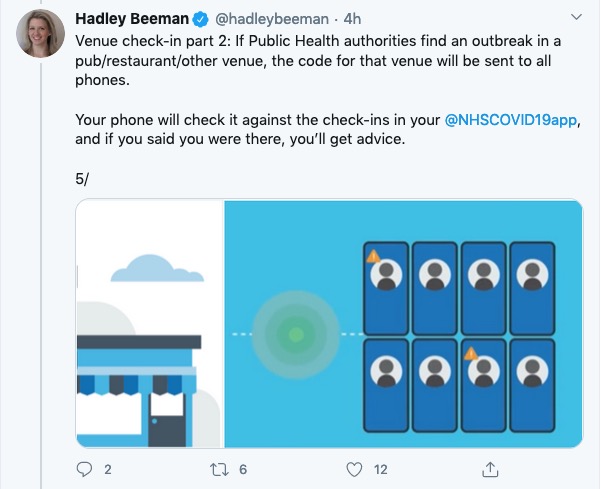
This is how it works …
I’ll get back on to this following the meeting. Please post Comments, or ask Questions below, or raise a Topic in the Covid-19 Forum.
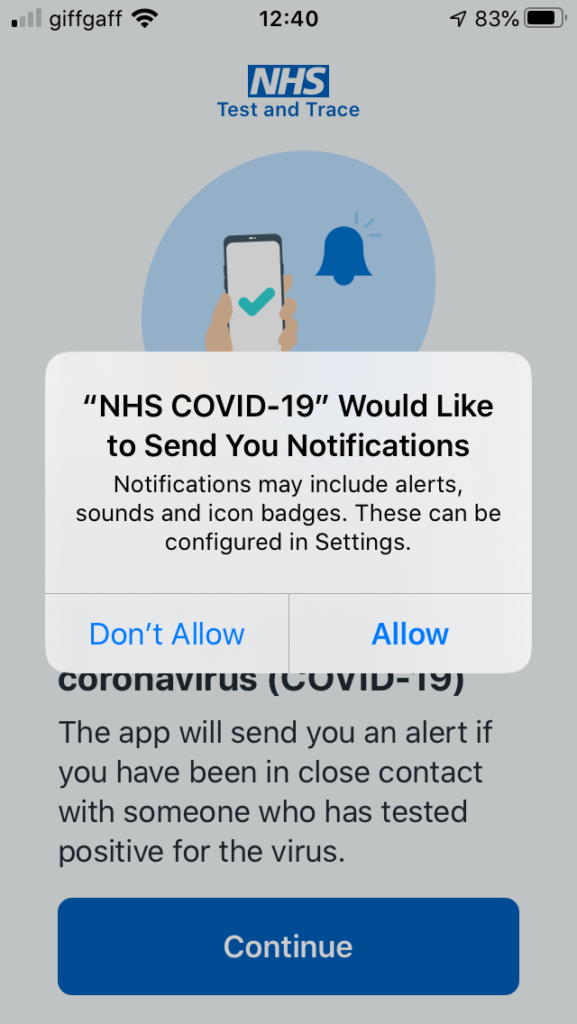
Screenshots from installing the app on my iPhone 6s
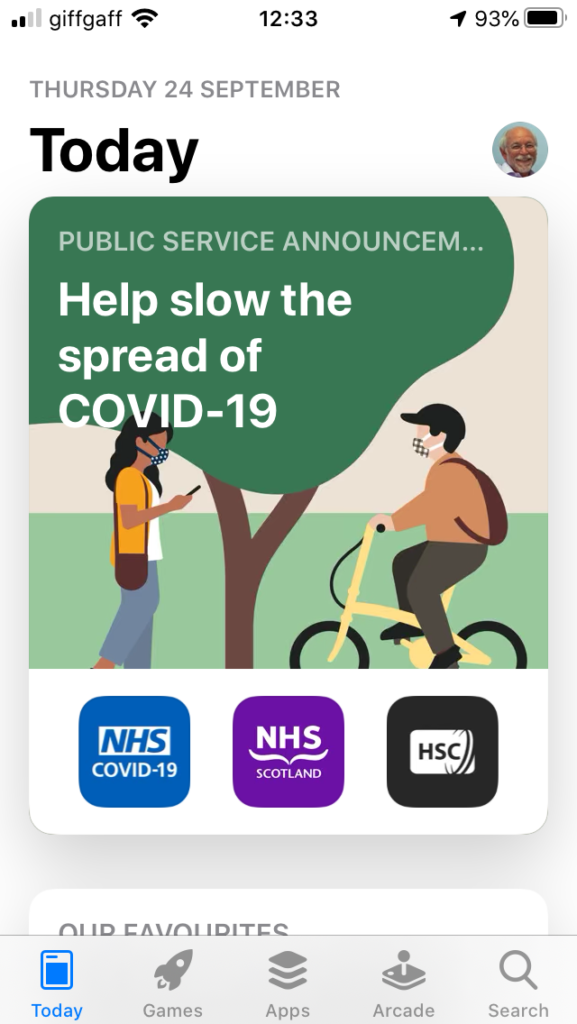
The app is highlighted on the App store (at least for Apple) today …
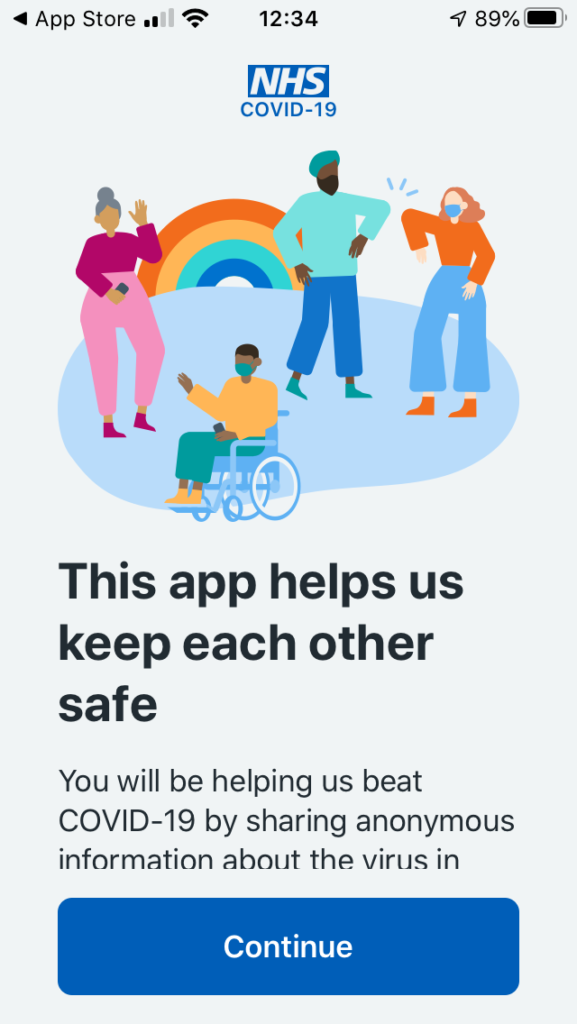
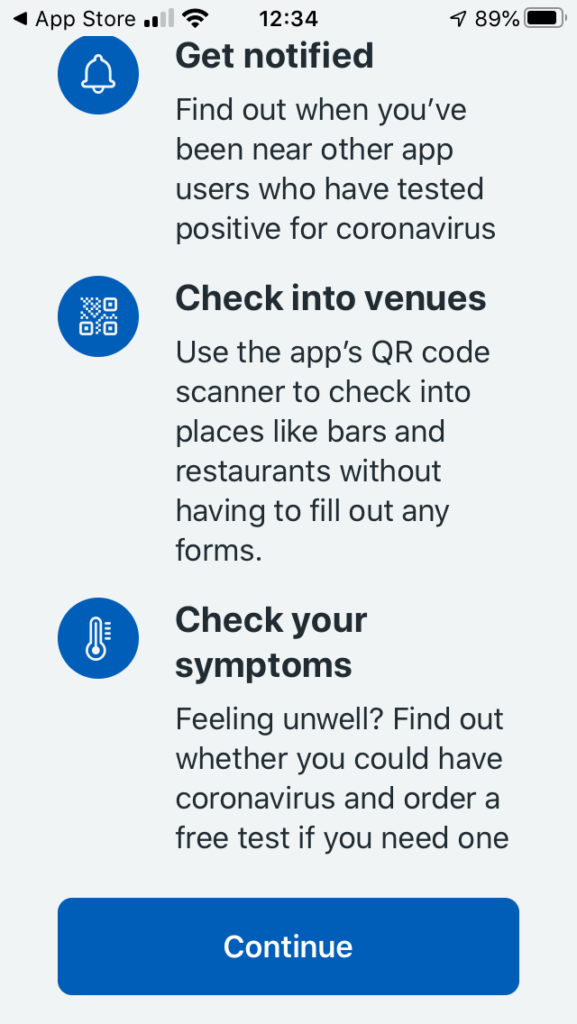
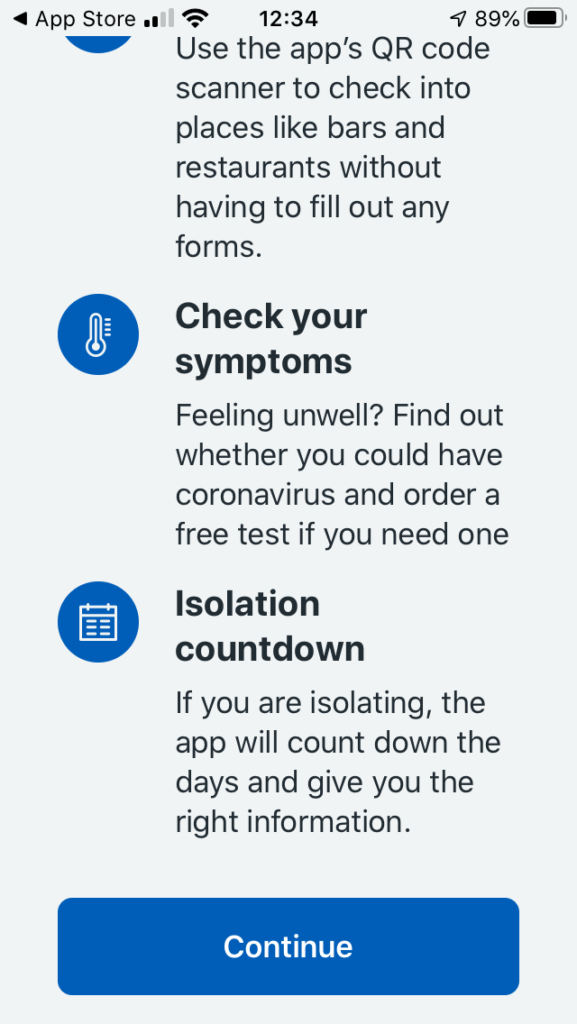
… download and install, and start the app …
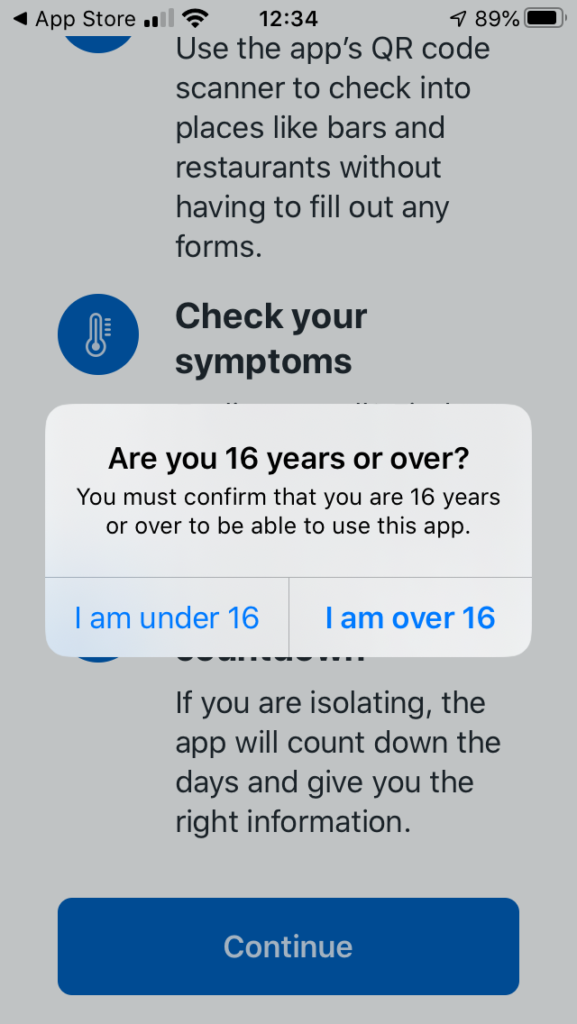
You will be asked a couple of questions, including an age enquiry …
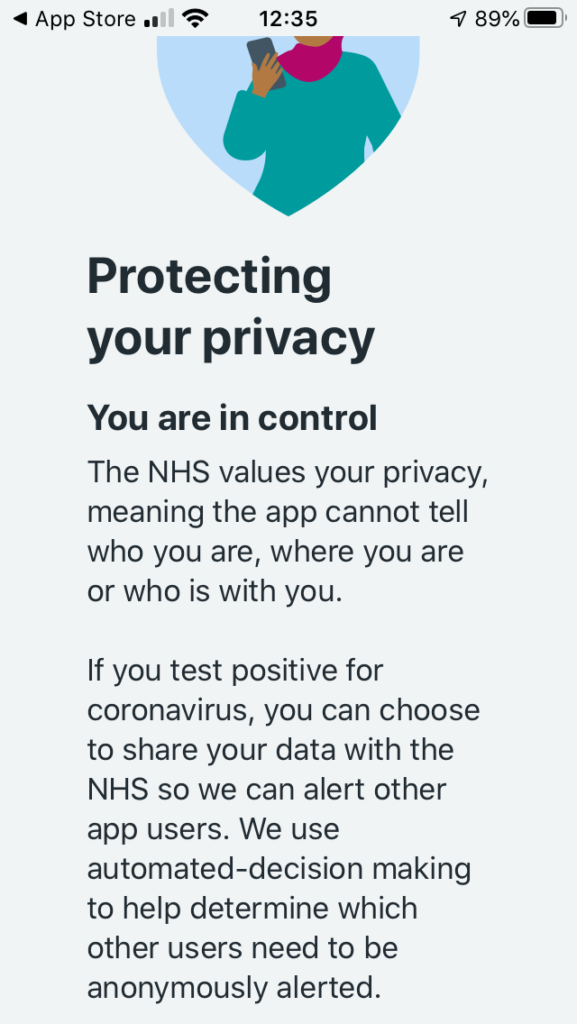
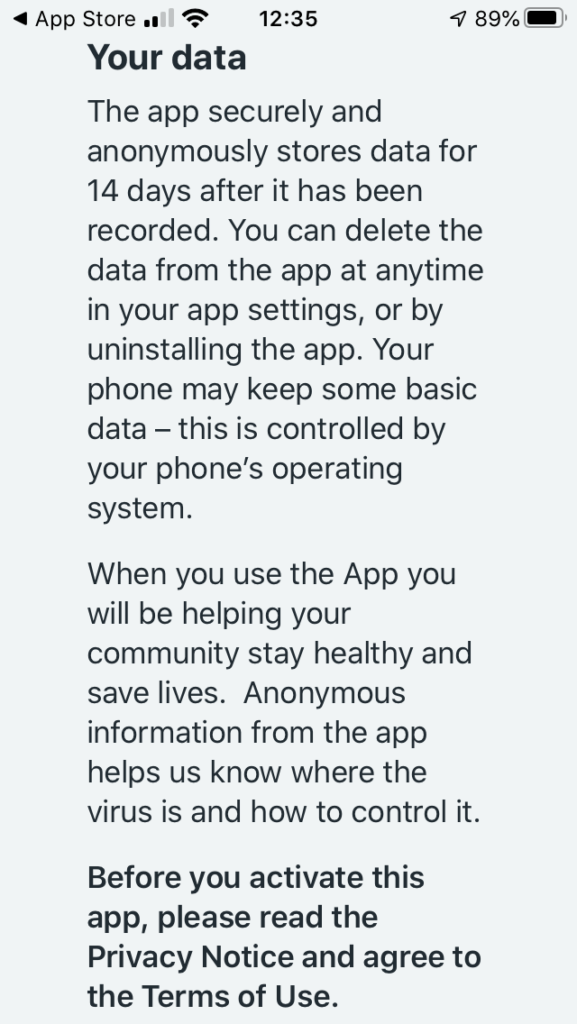
… and then a Privacy section, which is actually very good and worth reading. The developers have done all they can to make you aware of what the app does, and how it protects your privacy.
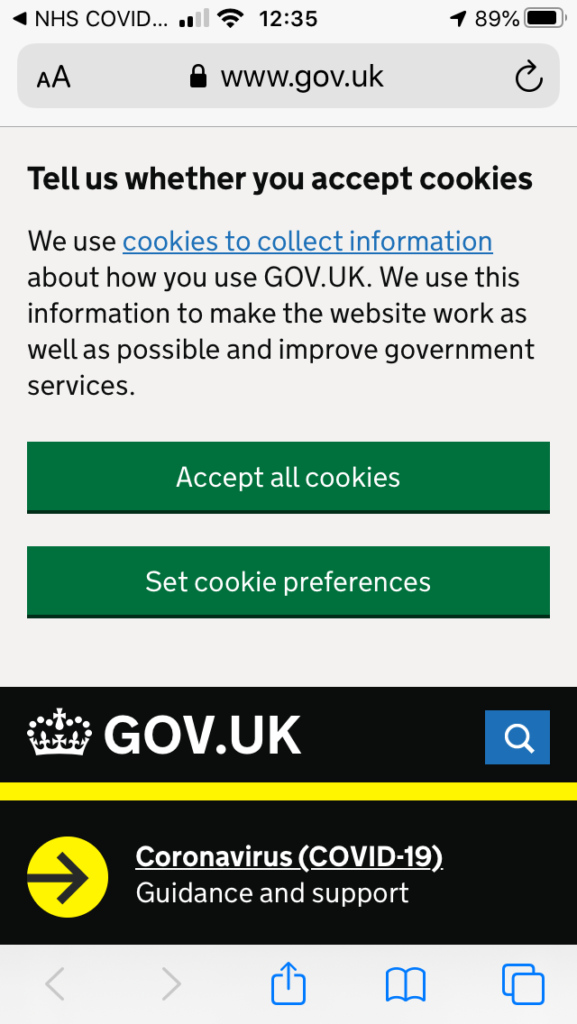
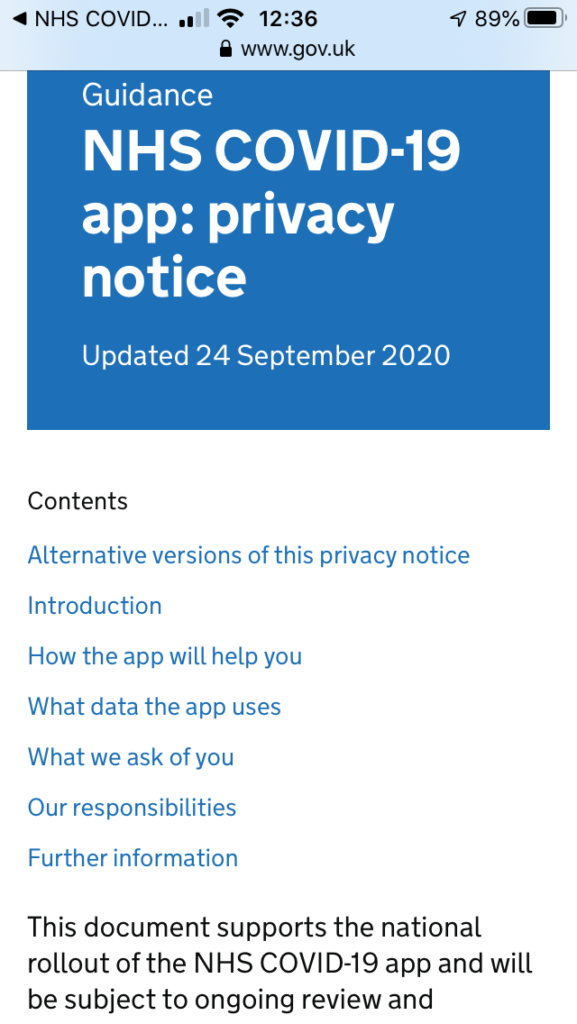
So if you click on the Privacy link you will be taken to the UK Government website that gives you more information, after first informing you that it uses cookies …
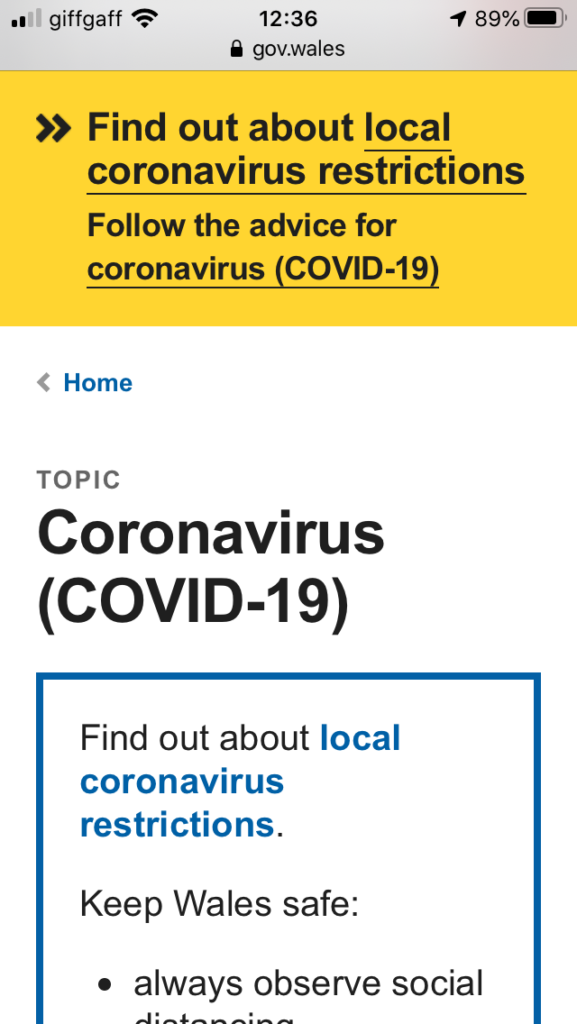
You might like to click through to the Welsh pages to find out more about Local restrictions …
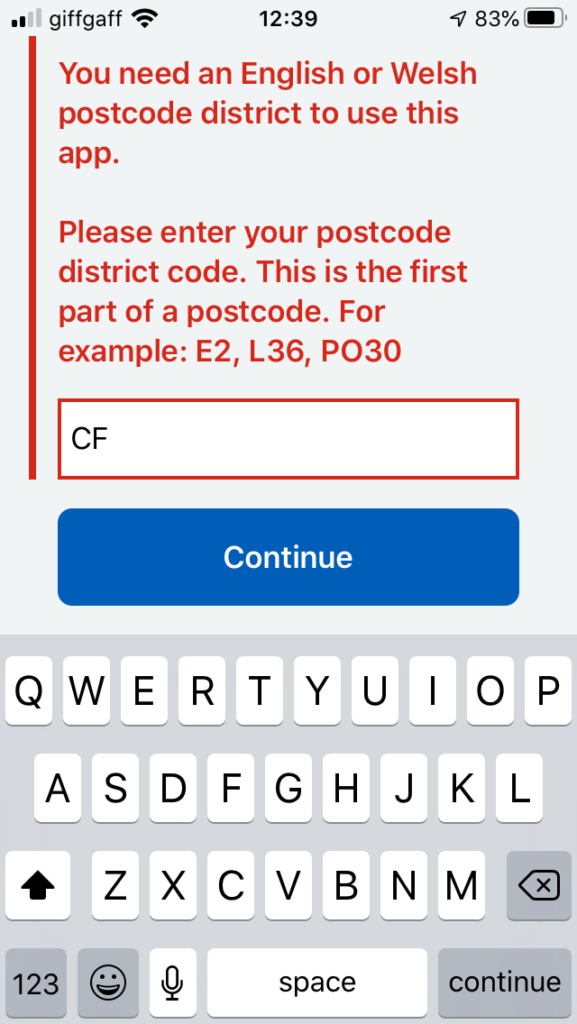
… then you need to supply the first part of your postcode. The developers have acknowledged there’s a weakness in the app currently in that if you move your location, you can’t change it in the app. They are working on a workaround/fix/upgrade. This would apply if you were to go on holiday somewhere else, or if you were a student moving away from your home.
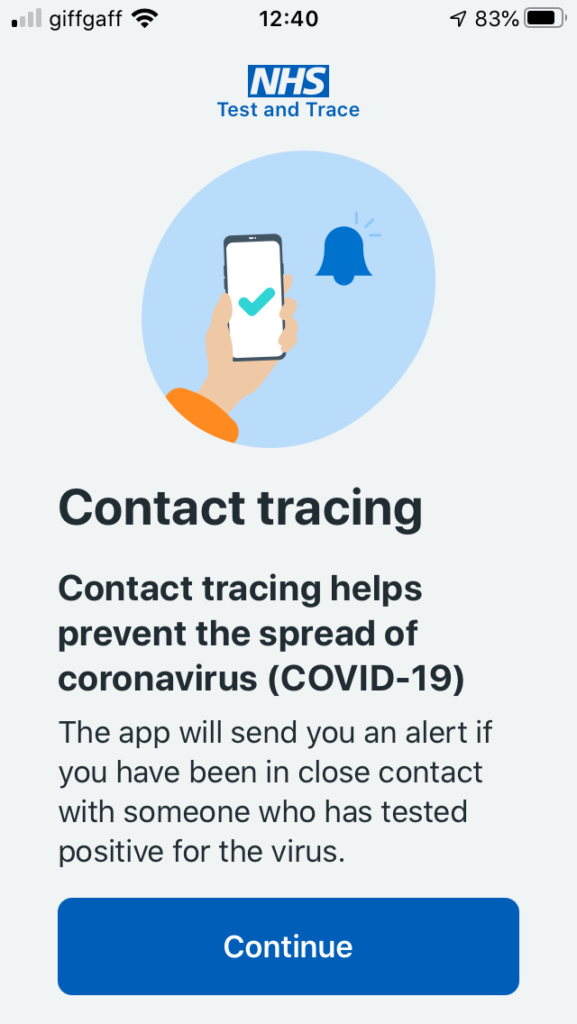
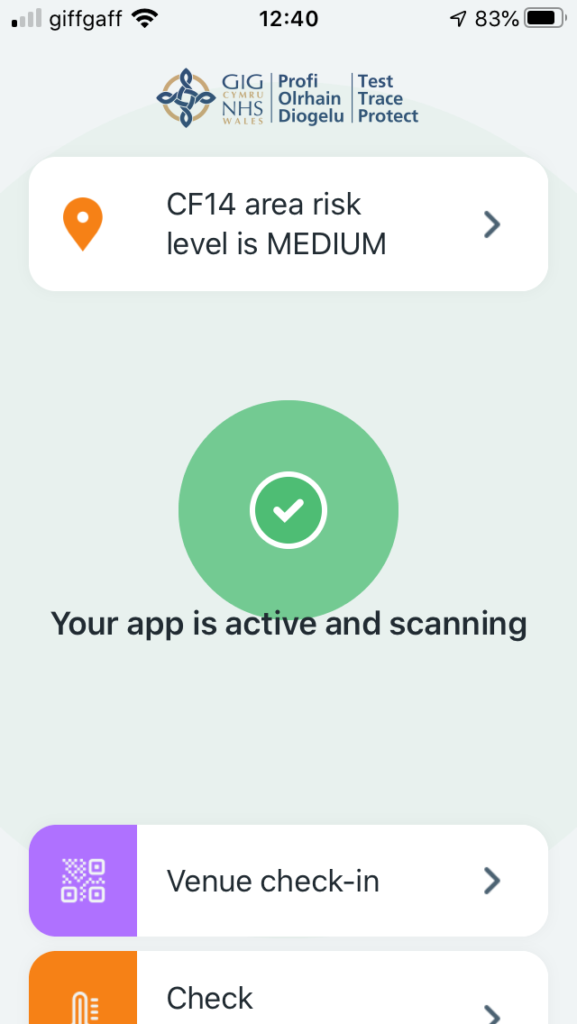
Having done that you’re into the app, it starts scanning and you’re on your part of the Covid-19 Tracing community.
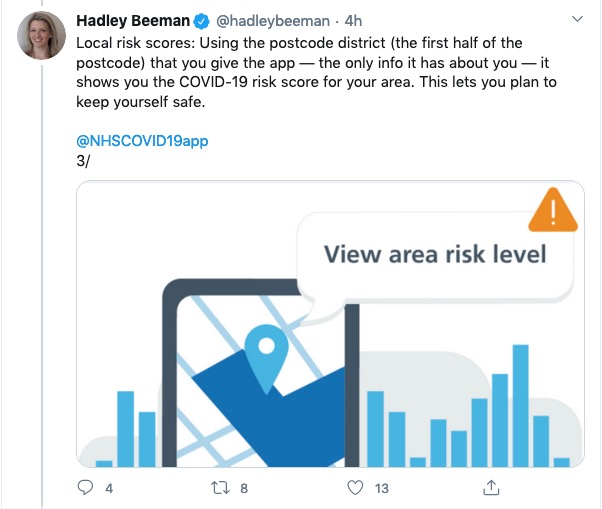
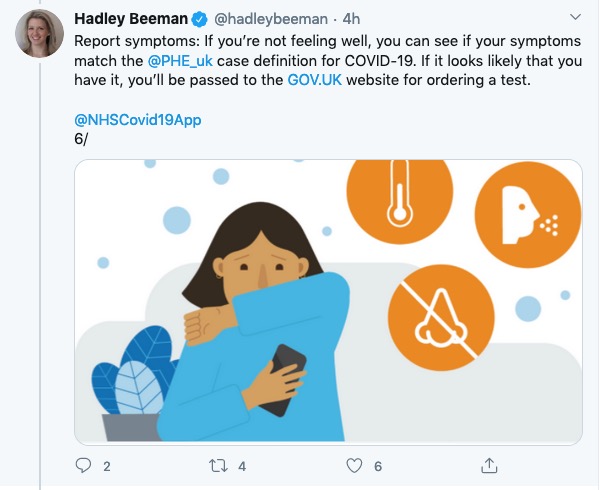
You can see that north Cardiff is at a Medium risk level (as I believe the whole of Cardiff is) …
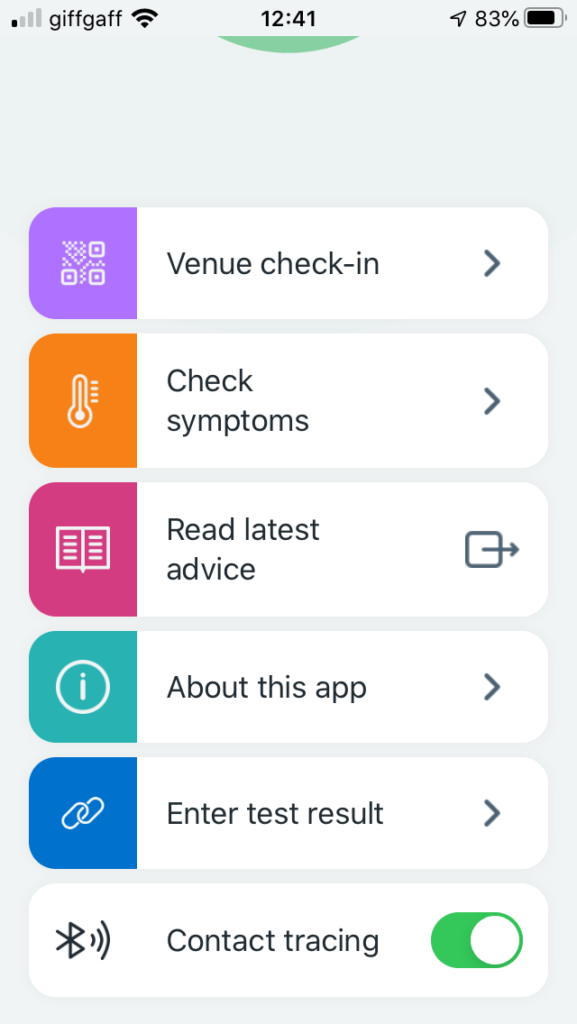
… and then you have access to the other features of the app, as shown below …
I’ve been using a WordPress Plugin called OS OpenSpace Maps for quite a while that allows the mapping of trails (I use .gpx format to record the trails) onto an OS Map.
This has worked well, but in updating a blog post I came across the information that the Ordnance Survey has produced a new plugin that works with their DataHub Maps service. This is an even better service and if you’re a low-use user, you can upgrade to the Premium level subscription to get 1:25,000 scale maps.
The map can be easily zoomed and can be clicked to take to full screen size.
Here are a couple of links to help you along the way of installing and using the plugin.
Yes, to a very high sense it is totally compatible. Only at the most advanced usage with advanced use of macros might there be a problem.
The same is true of OpenOffice but Libre Office has one advantage over OpenOffice in that it can both read and write .docx files – the default format for Microsoft Office. Open Office can only read .docx, but writes out in a slightly different format.
As I recall, LibreOffice can also read .PDF files. We covered this in a Computer Group meeting and without checking I can’t remember that for a fact off the top of my head.
I’ve just loaded Malwarebytes on our iMac and MacBook Pro computers – provided by our bank – and only found one piece of tracker code, on one machine, which was very old and most probably not active. I deleted it.
Macs have a very good history of not being hacked, and when they are they close the problem down very quickly. This is a benefit of Apple owning both the hardware and software and being able to control which of the latter is installed on MacOS.