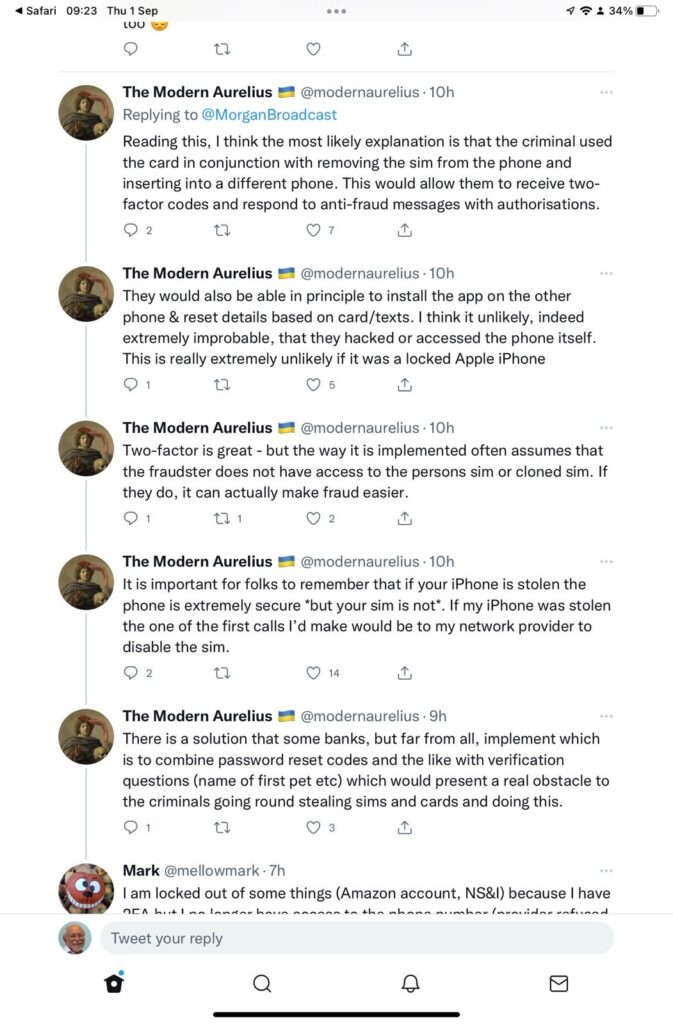
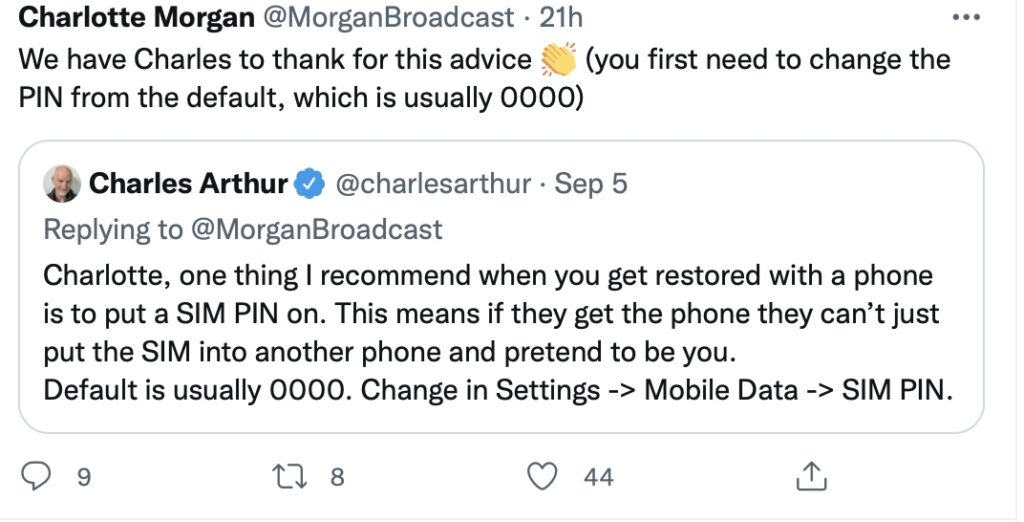
A really useful security enhancement to your phone is to implement a SIM lock which ensures that only the pairing of your phone with your SIM can be used together. Thus meaning that a SIM taken out of your phone cannot be used in another phone to receive confirmation text messages in financial scams.
Towards the bottom of the post the procedures to be followed are described. You just need to remember the PIN you’ve given to the SIM to lock it, as without that it will be IMPOSSIBLE to reconnect your phone to your SIM and your phone number.
The terminology and technology involved in audio is mind-boggling. You really have to be an expert to get your head around it – and I’m not going to try. There are a wide range of differences in Audio Formats – What is HiRes Audio? It would appear that Spotify has only just recently entered the field of HiRes audio. I’ll just take it as read that I want the best, if I possibly can get it. Currently Apple seem as good, if not better, than the rest.
To get the best quality audio for iPhone and for Android, you may need to dip into those two articles. For the Apple user, you can use AirPlay to stream audio (Apple) to a different device (eg a TV or HomeHub), or use Bluetooth (both Apple and Android) – but Bluetooth is generally not up to the mark on both platforms. Alternatively you should seriously consider using a wired connection using the headphone jack (some Android) or a lightning to aux (headphone jack) dongle (Apple). On my MacBook I do have a headphone jack and when on the desktop it’s connected to a pair of powered Logitech speakers.
Streaming services and their apps
As mentioned above, there a huge set of services requiring you to set up accounts, and install apps – unfortunately (but understandably) most of the free ones are not ad free, which can be distracting …
My conclusions from this? We use Apple Music with the recently launched and integrated Classical service as well. Both of these are part of our Apple One subscription which we share with other members of our family. Three of the family still use Spotify, but our son in Australia uses Tidal (for HiRes streaming) and Soundcloud (for new music). You can (and I have) convert Spotify playlists to Apple Music playlists (and vice versa) and I have using this app – Songshift but there are other apps.
Then we turn to Audiophiles, and the world of digital to analog convertors. By an audiophile (in this instance) I’m really just talking about someone who wants to connect a better set of speakers to their digital devices than the internal speakers that are supplied with the device. [In other words I’m setting the bar very low.]
The starting point is to begin to understand the world of Digital to Analog convertors (DACs), so this video hopefully will give an introduction and explain what’s going on in this mysterious world of interconnecting equipment.
I’ll follow this with a couple of articles that you might wish to peruse ..
You want to use your mobile device as your music player? Use a lightning to USB dongle to connect Apple to a DAC and then to your speakers, or headphones, but be sure to get a Samsung ACTIVE USB to AUX dongle for Android phones, or a USB-C to USB-C (or USB-A depending on your DAC) dongle to connect to your DAC, and on to the headphones or speakers.
So, if you’ve got this far, you might wish to really play your music at the best quality that it has been stored in digital format on your device Watching these two videos might help – or confuse you even more!
For Android …
For iOS …
Recording and editing music/sound on your device – use Audacity, Garage Band (iOS, MacOS) or BandLab (Android or iOS).
Then we turn to digital sound playing systems.
A wide field of options including the portable MP3 player – but would anyone want one of these nowadays – and the smart home speaker (with voice assistant) – which we looked at last year, and is definitely a device to look at.
Finally integrating with your home HiFi system.
I wrote about my setup in 2016 and again in 2019 for the group. I also wrote about my experiences on trying to make iTunes work for me better back in 2018 – from this latter post, the MacMini and Plex still remain as part of my setup but I don’t use either to stream music, and iTunes is thankfully dead and buried – well almost!
So what has changed from 2016? Well the external speakers connected to the Marantz amp have disappeared to be replaced by a Sonos Beam Soundbar connected to a new Samsung TV. All the other HifI components remain and are connected to the Marantz amp which is in turn connected to the Sonos Connect “hub”. The Bose speakers are still connected to the Marantz amp, but are rarely used now as we now have an Apple HomeHub which I can stream to using AirPlay, and which can be integrated with the Sonos speakers (I now also have a Sonos Move portable speaker) to provide home wide sound.
It has to be said this is a technological project, rather than an audiophile one, as my hearing has deteriorated to the point where I couldn’t detect HiRes from ordinary sound anyway, and the last time we actually had the same music in the whole house must have been the week after we bought the HomeHub.
The Apple HomeHub is a delightful device – we can “talk” to it using Siri or from Apple Music, and link the Sonos devices to it so that we can direct music to different speakers as required. It’s also the heart of our SmartHome project – more another day, and will provide moths of technology challenges for me using the Apple HomeKit and the interfaces that are being developed to link smart devices to that platform.
The next project – we’re installing solar panels this week, with a battery and a gateway to link to link to the Grid (using Octopus flexible tariffs) – definitely a topic for next year when we’ve got it all sorted.
Jonathan sent me his Sound setup which I reproduce below …
Just for info. – my home audio/cinema set up has some similarities to yours.
When we moved to Cardiff we bought a new house in Pontcanna which was still being built and I took the opportunity to have wiring installed in the walls to ceiling speakers in three rooms. I took advice from an AV specialist who advised Sonos, Spotify, blu-ray player and mini mac for my digital collection.
Sonos serves all 3 rooms, plus a portable speaker, via a marantz amp in the main tv room ( surround plus sub ) and Sonos amps in the other two ( stereo )
Spotify provides all my music needs and I never now use the mac. Nor do I have a CD player in the house since the blu ray/receiver packed up. My cds are all packed up in boxes in the loft! The only stuff I miss is Neil Young and Joni Mitchel after Neil left in a huff!
I have Samsung tvs in 4 rooms – 3 of them Smart and all of them now support Spotify, Youtube, netflix etc. We subscribe to Sky with a main Sky Q box in the main tv room and mini boxes in 3 others.
I’m really happy with it but conscious that the Sonos gear is now 12 years old. They keep trying to get me to upgrade. One day it will be inevitable I guess. Sky might be considered an expensive luxury but we all need one or two of those. It’s brilliant!
I last ran this topic in 2019 pre-Covid, so a lot of water (dare I say streams) will have gone under the bridge since then, but actually not much has changed either. Essentially screen technology has improved and some suppliers have adopted a standard LED technology across their range, which makes choice easier, and also they (particularly LG, but other main players too) now use the same operating system platform across their range – thus making it easier to use different TVs from the same manufacturer.
What hasn’t changed is the way they compete with each other for the “smartness” of their devices, so I will spend some time on that, without giving too much in the way of recommendations – that has to be a very personal choice, but hopefully if you’re undecided you may find something of use to make a choice.
So first the questions you need to ask yourself, with a guide to possible answers.
Do you need a Smart TV? Concerns about privacy; advertising; snooping [Reveal – you don’t need a Smart TV, it’s just terribly difficult to avoid getting/buying a new one – and I certainly wouldn’t recommend buying an older model second-hand!]
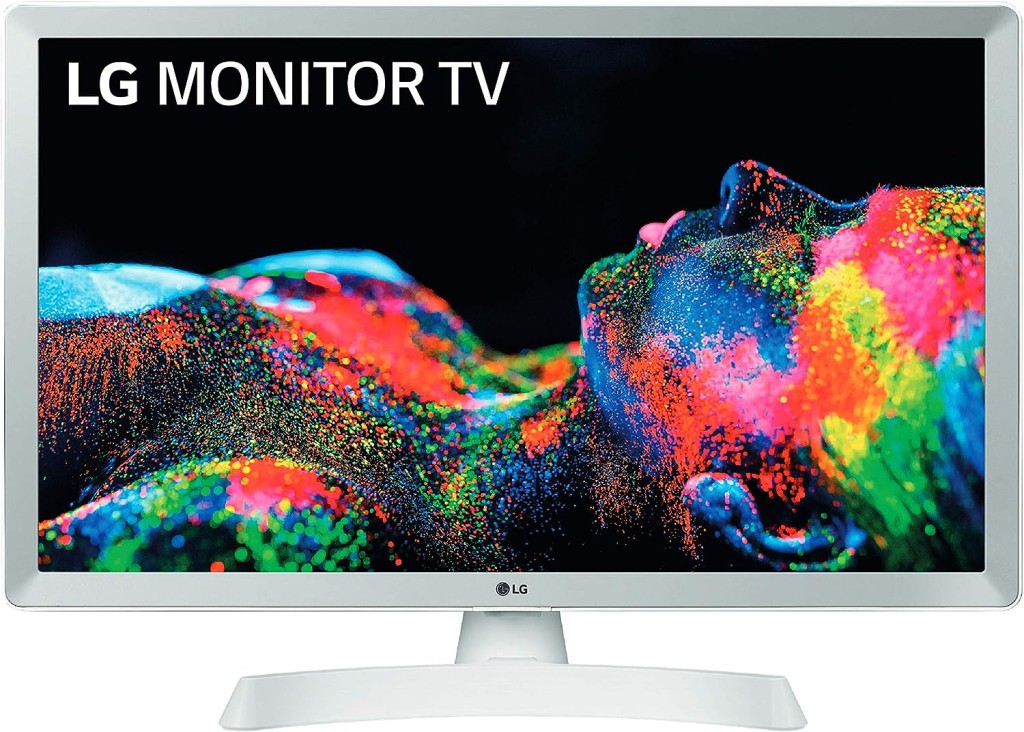
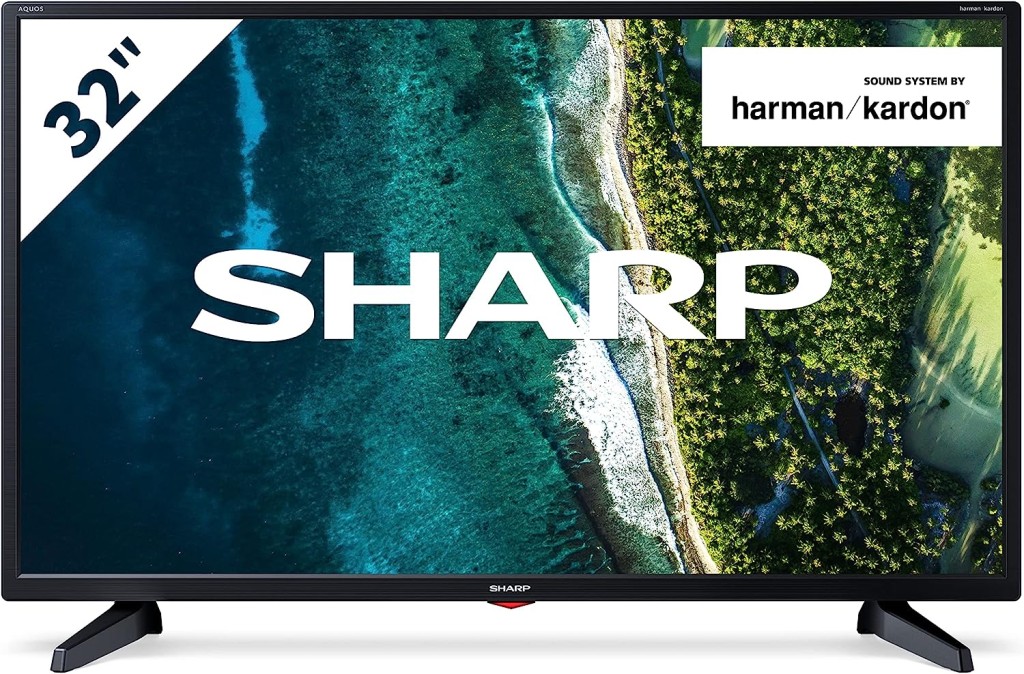
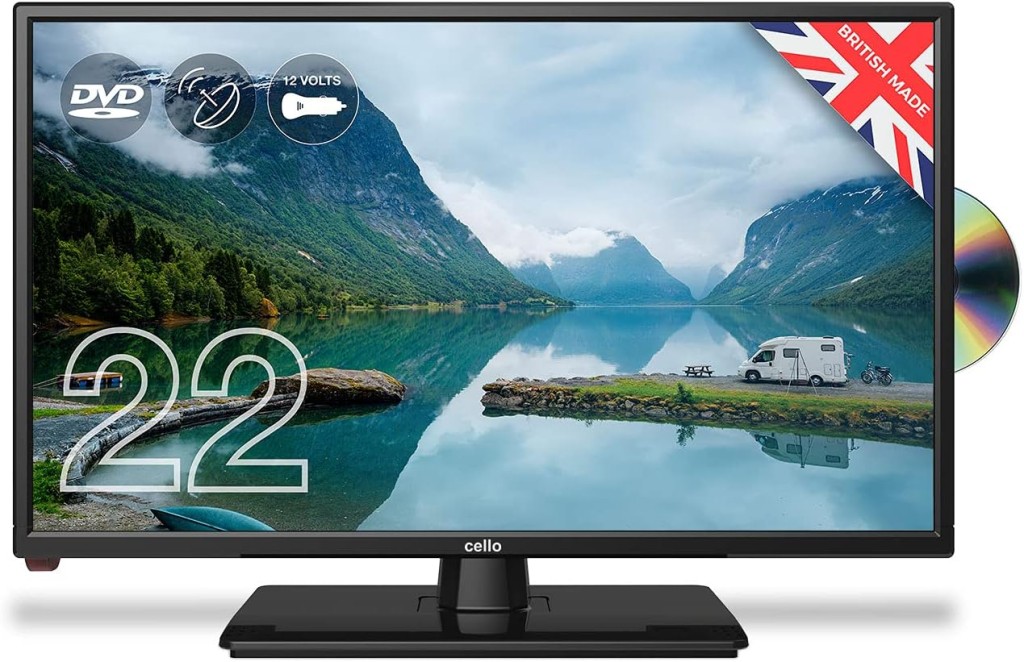
Links to non-Smart TVs (from Amazon UK) – one model from LG; Sharp quite possibly; Cello the major supplier in the UK market.
Finally a dated article from my last summary, but the findings are no less valid and do indicate that a streaming device might be worth considering.
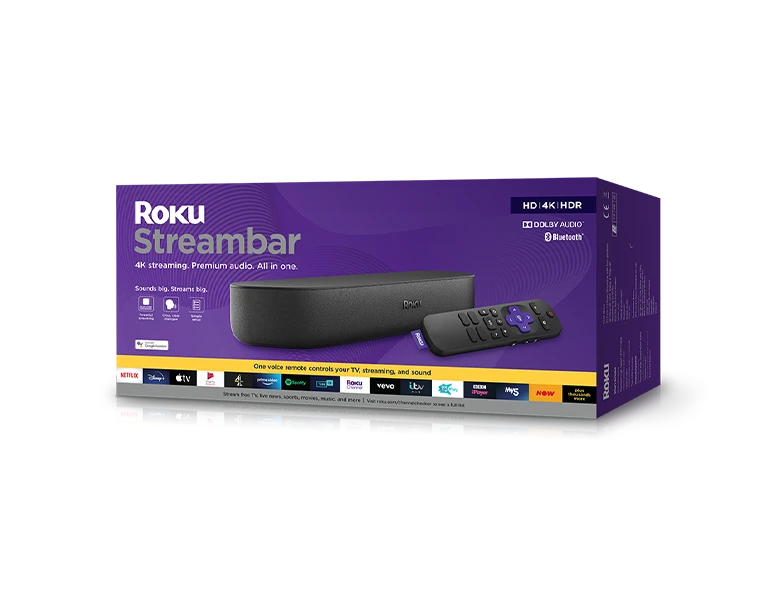
Is the built-in Smart TV provided the best way forward? Well from a convenience point of view, quite probably yes; but if you’re concerned about obsolescence of the Apps on the platform; privacy etc – quite possibly not. An alternative is to buy a TV monitor (or a computer monitor) and pair it with a streaming box from Apple, Roku, Amazon or Google. [This is an option I’m carefully looking at for a new TV in the kitchen, because all the main suppliers don’t seem to supply an option smaller than about 29″ which would (I feel) be just too imposing in a relatively small space).]
Freeview or FreeSat? Both require an aerial or satellite dish, but there are ways of watching Freeview (Freeview Play) as a stream, or watch Freeview as an app on your mobile device and cast/play it to your TV. If you only want the main “terrestrial” services and don’t require streamed services (from the Internet) – these could be for you. There’s also YouView which is a packaged service combining terrestrial channels with some popular streamed services which is then available on certain platforms (ie BT TV, EE TV, TalkTalk TV and Sony TV) – a sort of semi-Smart TV service.
Do you need a TV at all, or could you just use your laptop/tablet instead? Well that’s certainly a possibility. For personal use I’d not discount it and all the major streaming services do have apps for laptops/tablets.
However as the reference to Youview (above) makes clear, if you choose to get your TV service from BT, or Virgin, or TalkTalk or EE, they will provide a box which could provide a lot of what you need for your TV viewing with out the need for Smart TV. These boxes will have replay, and recording as standard features.
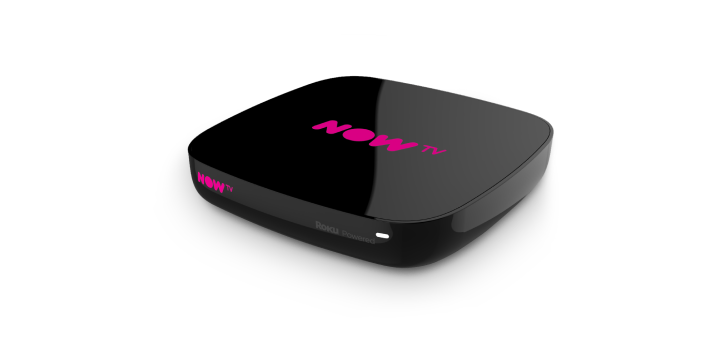
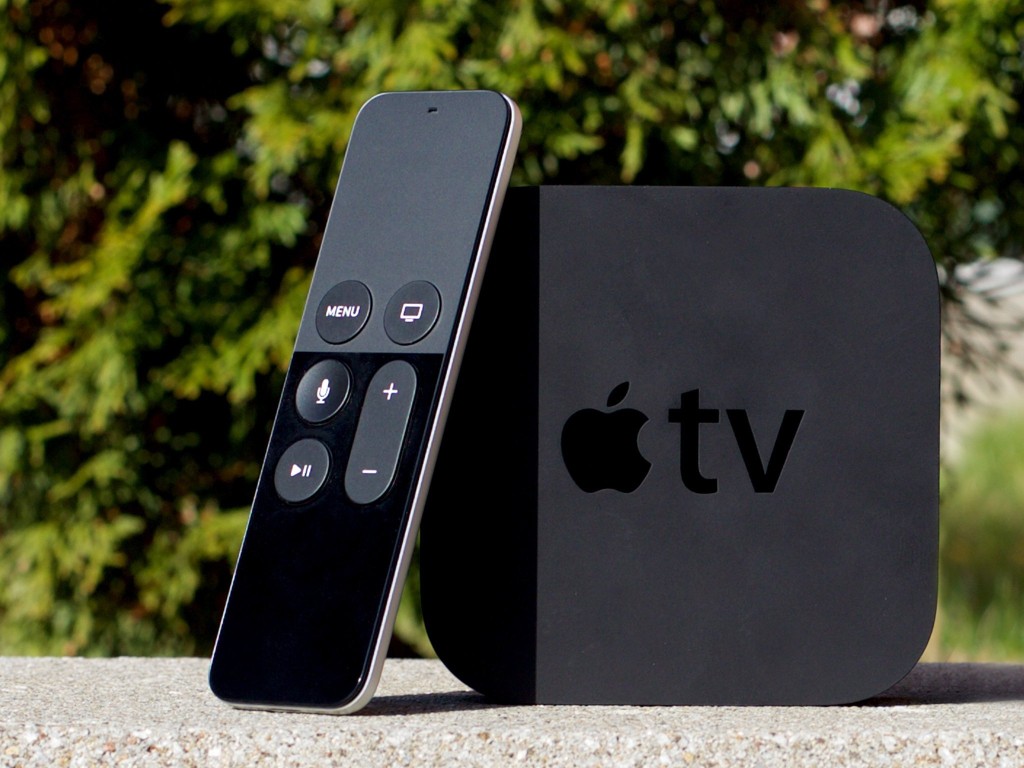
Then there are the streaming service boxes – all of which have their own Smart TV features. I’ve mentioned Roku already, but there’s Google Chromecast, Now TV (which is built on the Roku platform) and of course Apple TV boxes, which can all run alongside your Smart TV apps, or add to your Dumb TV offerings. With a Roku device you can also use Apple’s Homekit and Airplay – useful for sending your Apple device’s screen to the TV – and control it with Amazon Alexa or Google Assistant.
Which neatly leads into Voice assistants and Sound.
Without much risk of contradiction I can say that the audio quality from all TVs is poor unless you are willing to pay mega-bucks. If you’re willing to pay a little bit extra, it’s worth investigating the Soundbar that pairs with your TV manufacturer, or alternatively to look at an offering such as Sonos – there are others, and I’m not going into this area.
What is worth considering when looking at a Smart TV is how it integrates into the rest of your Smart Home. It really is worth stopping and considering whether you’re a Alexa, Google Assistant or Siri home. You quite possibly have acquired devices from several manufacturers not realising that they all have different voice assistants and not all of them integrate easily (if at all) into your Smart Home Hub – Nest, HomeKit, Echo, or SmartThings – to name a few.
If we look at just the Voice assistants and TVs – Samsung supports its own Bixby (which integrates, I believe with it’s own SmartThings smart home platform), Google Assistant and Amazon Alexa and whilst it has a very good integration withe Apple through its Apple TV app, and through AirPlay doesn’t allow you to use Siri voice assistant, or integrate it into Apple’s Homekit ecosystem. Indeed it’s only LG that has a good integration with Apple Homekit enabling you to use Siri to control the TV. [Indeed LG is a good platform for voice assistants because it supports Google Assistant and Alexa as well as it’s own little known ThinQ system.]
What other alternatives are there to watching streamed digital content on your TV? Well the most obvious one is to use your PC/Mac as the TV and use software on the PC/Mac to record Free-to-Air content. You will need a digital tuner for the PC/Mac to get the content.
There are other companies in this field but I can only vouch for Hauppage. I once installed a card in my Windows PC, and I still use a USB Tuner with my MacBook Pro to watch TV. Postscript.
There also DIY streaming solutions. I have built a Plex server, but Plex as an app is also a possibility, streaming content across the internet from an app. My Plex server allows me to archive content I want to watch and watch it from anywhere in the world from a server running at home. That used to be useful for my family in Australia before they started using a VPN.
I’d known about Plex for quite a long time but had (prior to 2016) not done anything about it. I’d formally used iTunes essentially as a media server built around a MacMini that sat under the TV with all content that I could record from Get iPlayer Automator and my media that I’d digitised including my CD collection, as well as the streamed versions purchased and downloaded from iTunes/Amazon.
I set about a project to install Plex on the MacMini (which I’d upgraded with a new SSD drive, an extra 4Gb of RAM and an install of the latest MacOS (then High Sierra, it now runs Catalina). Here are a few links to show you my direction of travel.
I forgot to mention new display technologies from LG/Sony/Panasonic called OLED, and Samsung – QLED. This article explains what these are. It would appear that Samsung and Sony just lead the pack on their use of QLED technology, but it is a race that all will try and compete and try to win. WYSIWYG or what you like is what you buy (WYLIWYB).
I haven’t handled other screen technology – 4K, 8K, HD-Ready, Curve-screen 3D and more – notes from the last time I did this topic, here and here (two different links).
Other links (useful if you have an online Which? account) – not sure whether they’re open to everyone …
Just too much to mention!!!!! So in conclusion, some more links …
For the Samsung aficionados – their argument why their platform is the best for Smart TV; a persuasive argument (for me) from LG as to why their support for Apple Homekit maybe the best way forward for me; a review of HomeHubs which might be of use/interest in helping to come to a decision on what you might want to do in your house re. smart homes (a topic we will definitely study again in “Digital matters”); and finally a review of all the major Smart TV platforms for you to ponder over and consider whether anyone has a significant advantage over any of the others FOR YOU! I stress again, this is a very personal decision.
And finally, some more links from the previous presentation to maybe make you think and help your decision-making.
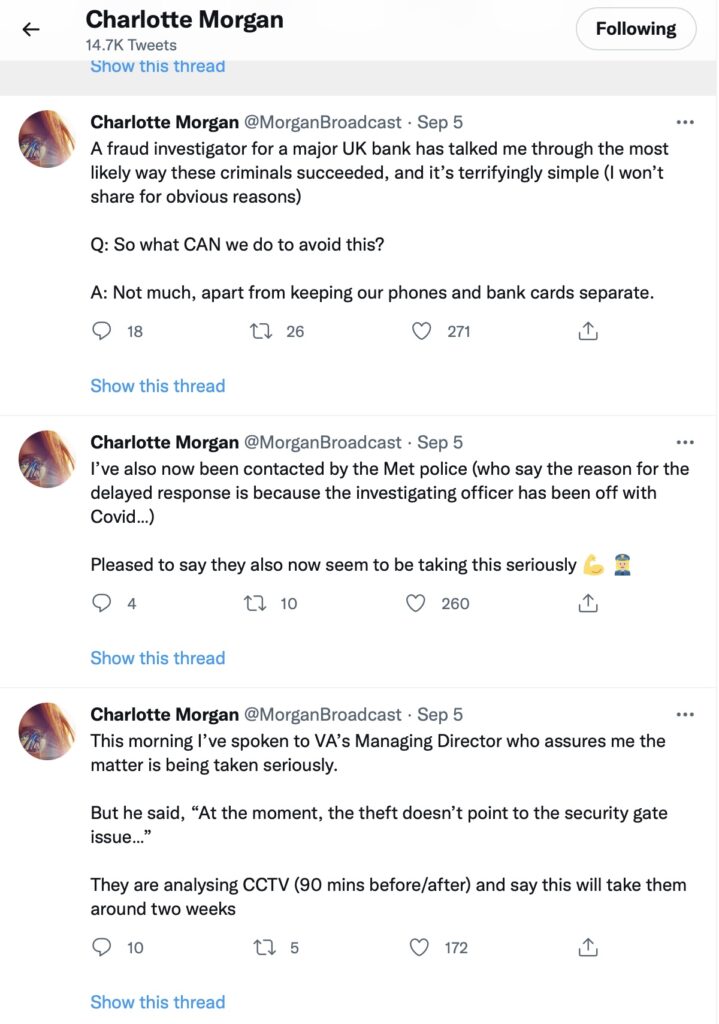
A rather disturbing incident involving a stolen phone and credit cards and the ability of a fraudster/thief being able to reset a user’s password/pass-number for a high-street bank occurred in September involving a journalist called Charlotte Morgan. She described what happened to her (and it transpired others) when her phone and credit cards were stolen from a locker in her local gym.
Charlotte chose to broadcast her experiences on twitter and got a range of helpful and supportive pieces of advice.
So we start with the first piece of advice – keep your phone and your credit cards separate. Don’t store/keep them in the same place. Maybe, if you follow the advice that follows later you should just keep the credit card details only on your phone and dispense with using plastic. For Apple that involves storing the card information in your Wallet.
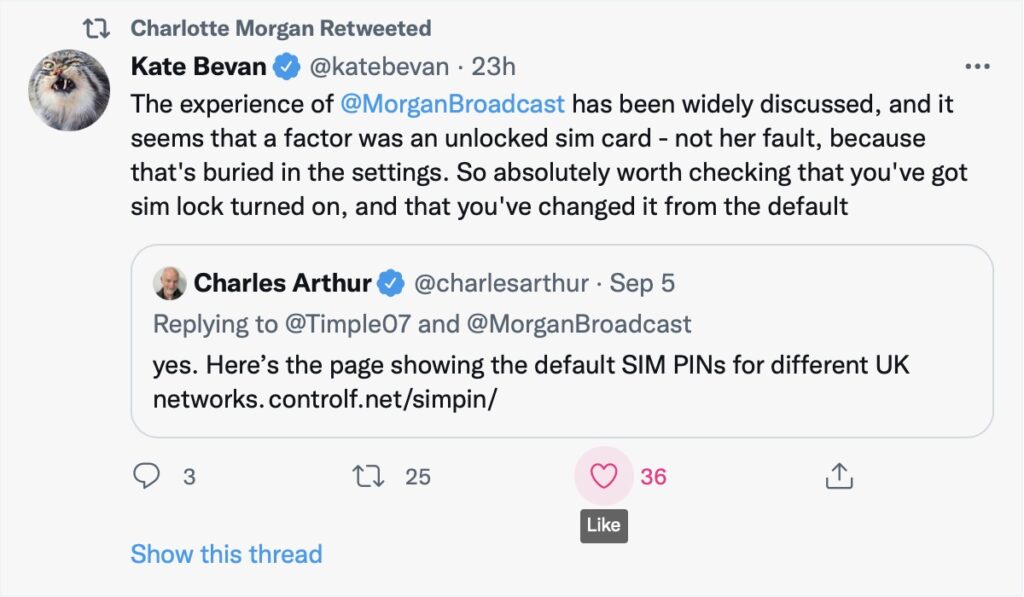
And this is the security loophole that the thief was exploiting. The default setting when you get your new phone, and insert the SIM is to leave the SIM unlocked. This means that the SIM can be taken out of the phone with your network details (and more), and inserted into another phone. Not really what you want, is it? So, lock the SIM to your phone, and by doing that, if the SIM is taken out – it is of no use in another phone. You will need to remember the new PIN you create which you will have to supply when you power-up your phone, or when you change it for a new/replacement. This is obviously an important piece of information to remember!!! There is no way you can recover the SIM PIN yourself if you forget it, you have to contact your carrier and get a new SIM and a PUK.
So what actually happened. This thread explains it well …
But what are the default SIM PINs that network operators use?
This link will be useful as it lists the default SIM PINs for the major network operators. These are the ones you need to change to your own personally chosen PIN.
It really is quite important. Change your SIM PIN and keep your credit cards separate from your phone.
Addendum: Remember – we had personal experience of SIM swapping and that’s written up in this post entitled “Identity theft”.
The first happened a month or so ago, but I decided it wasn’t worth mentioning in a meeting. I thought I’d include it in this post about the second problem though, which happened a few days ago. The problems were:
WhatsApp, having to link my phone to the laptop every day.
Phone network, loss of internet access.
First, I originally linked the phone to the laptop, by scanning a QR code, and from then on I could read and write WhatsApp messages on my laptop. Then one morning I was asked to link again, and this happened for the next couple of days. I couldn’t work out why. Finally I got a message saying that I could link a maximum of four devices to my phone, and it turned out I had linked the laptop that number of times. The cure then was to unlink them all and start again. I’ve no idea how it all started though, as going through the linking process is not something you can do unintentionally.
Second, I’ve got a pay-as-you-go contract with 3, and as I said, I lost access to the internet that way a few days ago. That meant I couldn’t check my PAYG balance amongst other things. I thought maybe it needed topping up, and managed to do that via my laptop, but it didn’t help. I called in to the 3 shop, and the assistant took my phone and played with it for a while, finally curing the problem. I asked him how, and he said he had gone in and out of ‘flight mode’ for a few seconds. Not something I had thought of trying.
Maybe one of those might help someone in the group one day.
A rather disturbing incident involving a stolen phone and credit cards and the ability of a fraudster/thief being able to reset a user’s password/pass-number for a high-street bank occurred in September involving a journalist called Charlotte Morgan. She described what happened to her (and it transpired others) when her phone and credit cards were stolen from a locker in her local gym.
Charlotte chose to broadcast her experiences on twitter and got a range of helpful and supportive pieces of advice.
So we start with the first piece of advice – keep your phone and your credit cards separate. Don’t store/keep them in the same place. Maybe, if you follow the advice that follows later you should just keep the credit card details only on your phone and dispense with using plastic. For Apple that involves storing the card information in your Wallet.
And this is the security loophole that the thief was exploiting. The default setting when you get your new phone, and insert the SIM is to leave the SIM unlocked. This means that the SIM can be taken out of the phone with your network details (and more), and inserted into another phone. Not really what you want, is it? So, lock the SIM to your phone, and by doing that, if the SIM is taken out – it is of no use in another phone. You will need to remember the new PIN you create which you will have to supply when you power-up your phone, or when you change it for a new/replacement. This is obviously an important piece of information to remember!!! There is no way of recovering the SIM PIN if you forget it!!!
So what actually happened. This thread explains it well …
But what are the default SIM PINs that network operators use?
This link will be useful as it lists the default SIM PINs for the major network operators. These are the ones you need to change to your own personally chosen PIN.
It really is quite important. Change your SIM PIN and keep your credit cards separate from your phone.
I recently had this message from the Royal Television Society, which David thought was worth passing on:-
We have become aware that there are issues with the latest Android 12 version that is affecting the RTS app along with many others. The most common issues are that the App will not transfer to a new phone or will not download from the PlayStore. It appears that Android 12 has elements of incompatibility with a number of app development platforms including the one RTS uses. We are very sorry about the inconvenience and frustration this is causing. We have been informed it is not possible to de-bug the App in the platform to avoid the incompatibilities, the solution being for Google to patch Android 12 to negate the issues.
With possible fixes suggested but not with 100% success.
Step 1: Clear the cache & data of the Play Store
This gives the app a fresh start and can help fix issues.
Open your device’s Settings app Settings.
Tap Apps & notifications and then See all apps.
Scroll down and tap Google Play Store Google Play.
Tap Storage and then Clear Cache.
Next, tap Clear data.
Re-open the Play Store & try your download again.
Step 2: Restart your device
If you still can’t download after you clear the cache & data of the Play Store, restart your device.
Press and hold the Power button until the menu pops up.
Tap Power off or Restart if that is an option.
If needed, press and hold the Power button until your device turns on again.
Regrettably we will need to wait for an update to Android 12 but we will contact you again as soon as we have news of a patch to Android 12 and that the RTS App is working on that operating system.
… Ann mentioned an app that the Emergency Services like you to have installed on their phones which is called what3words as it enables them to pinpoint quite accurately where you’re contacting them from. You might like to consider installing it on your phone as well as following the advice contained in the link at the bottom of the post I wrote …
In case you are wondering how I take a picture of our Zoom meetings, the answer depends on which operating system you are using. (I am using Windows 10.)
David has supplied these instructions for Apple users:
To do a screenshot of an iOS or iPadOS device, press the power-off button and then the Home button.
With a Windows computer, the simple answer involves the ‘PrtSc’ key, near the right hand end of the top row of the keypad. You might have to press the Alt key or the Fn key, on the bottom row, at the same time. You will have to experiment. A message might pop up, saying the screen shot has been saved somewhere. If that doesn’t happen, the image might have been saved to the clipboard, in which case you will have to choose somewhere to paste it.
The less simple Windows answer involves the Snip and Sketch program, which you access by pressing the Windows key + Shift + S. This gives you the opportunity to crop the picture on the screen, so you only save the area you want.
For Android tablets and phones, press the power and volume-down buttons at the same time. I couldn’t get that to work with my phone though. I did have success by holding the power and ‘home’ buttons together. The screen flashed to show the shot had been taken. The picture went to Google Photos and to the Gallery.